A directional parking display should communicate the route choice a driver needs to make at that location. Define the required arrows, destination names and parking counts, then confirm that the selected display model supports the required presentation.
Start at the driver’s decision point
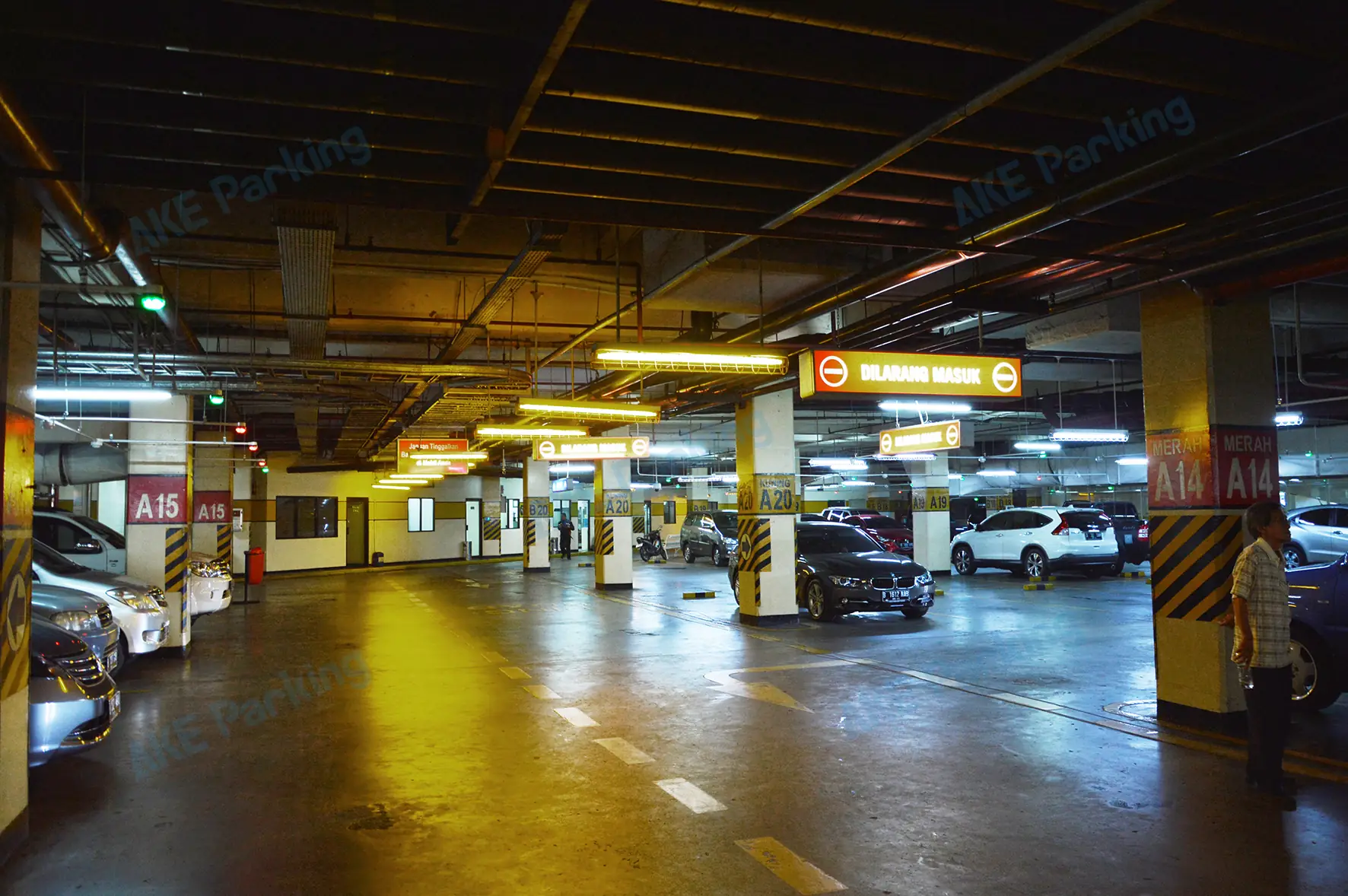
Mark the junctions, ramps and entrances where a sign is needed. Specify the directions a driver can take and the parking area associated with each direction. Avoid using a display layout that suggests a route unavailable at that junction.
Match the displayed count to the right zone
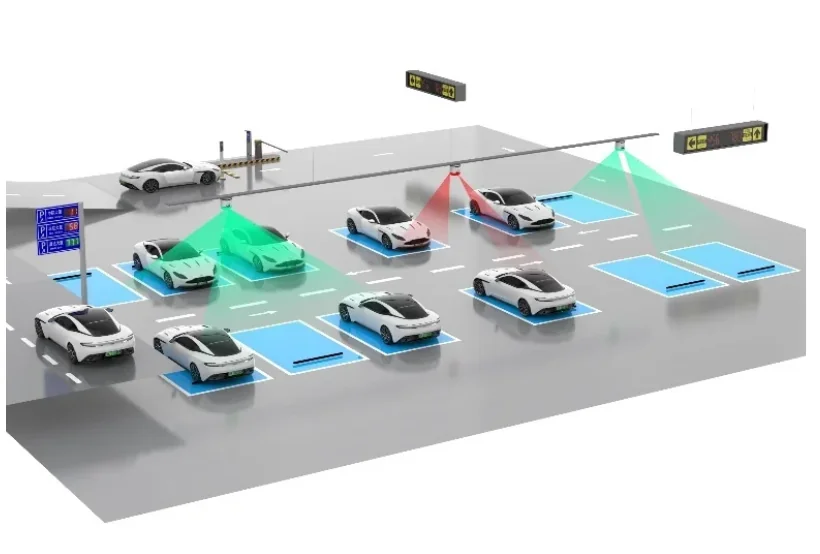
Guidance zones define the parking areas whose counts are shown on a display. The design review should therefore check both the physical direction of the arrow and the parking area whose information it represents.
Confirm static and changing information
Entrance Parking Guidance Display, LED Indoor Parking Guidance Display and LCD Indoor Parking Guidance Display are AKE product categories. Dynamic arrows, scrolling text and other presentation details should be confirmed for the selected model and software configuration.
Questions and answers
Can every three-direction sign be assumed to show dynamic arrows?
No. Confirm the required arrow behaviour for the specific display model and configuration.
What should be checked alongside an arrow?
Check that the direction, destination name and parking count all refer to the intended route and guidance zone.