As parking facilities become larger and more connected, managing vehicles through isolated barriers or payment devices is no longer enough. Shopping malls, office buildings, airports, residential communities, and other commercial facilities need systems that can coordinate vehicle identification, access, parking availability, payment, and operational data.
For project owners, system integrators, and parking operators, understanding the terminology behind these technologies makes it easier to communicate technical requirements and understand how different parking components work together. At AKE Parking, we provide integrated smart parking and access solutions designed around these operational needs.

What Is Car Parking Management System Software?
Car parking management system software is the digital layer that coordinates different components of a parking operation. Depending on the project, it can connect vehicle identification, barrier control, parking guidance, payment-related processes, authorization rules, and operational monitoring.
The software should not be viewed as an isolated application. Its role is to organize information from different devices and support a connected parking workflow.
For example, an LPR camera can identify a vehicle at entry, while the parking system records the entry event. At exit, the system can associate the vehicle with its corresponding record and apply configured access or payment rules.
Which Parking Management Terms Should Project Buyers Know?
Understanding several core terms can help B2B buyers communicate more accurately when discussing parking system requirements.
LPR (License Plate Recognition): LPR uses cameras and recognition technology to identify vehicle license plates. Captured plate information can be associated with entry and exit records, helping automate vehicle access and create searchable vehicle records.
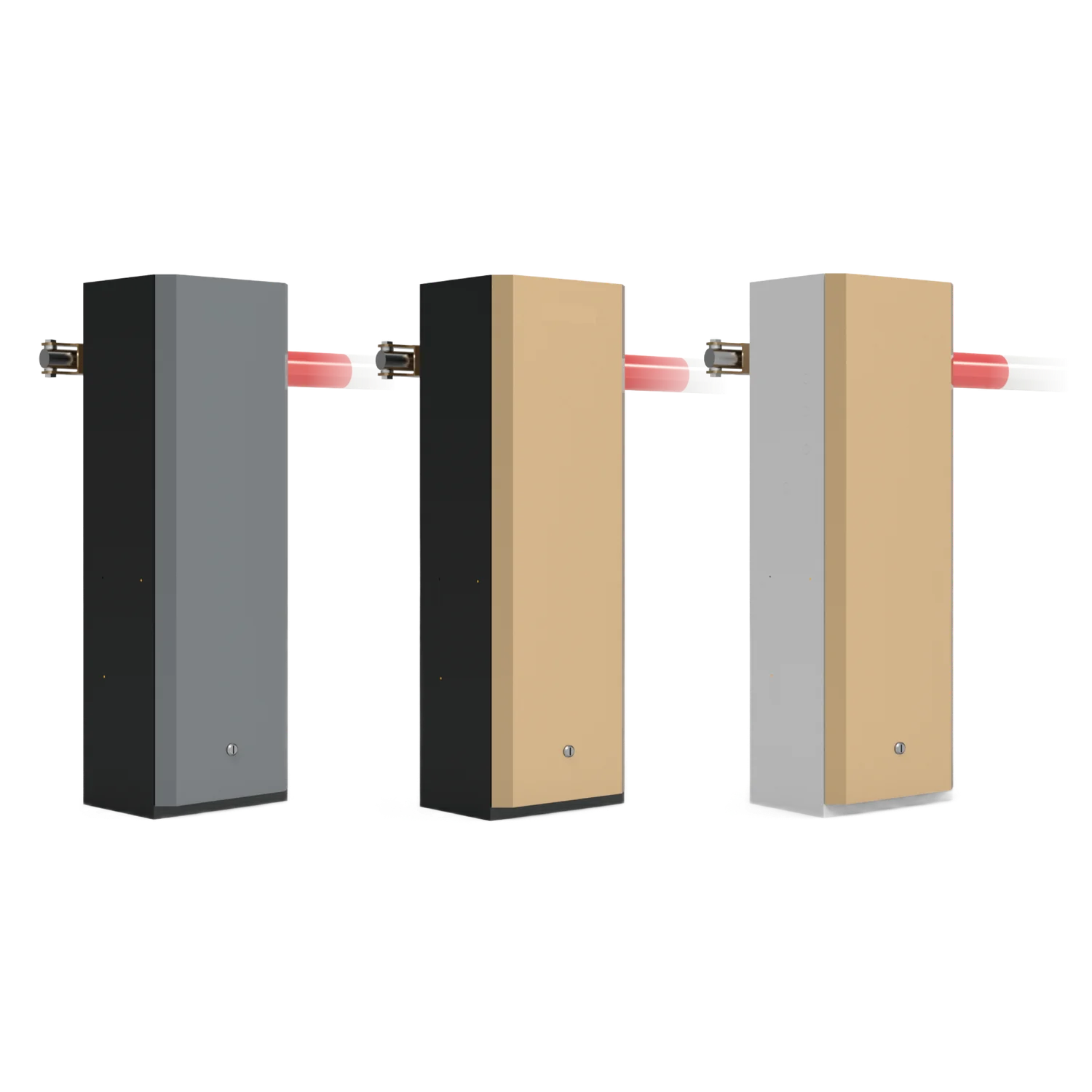
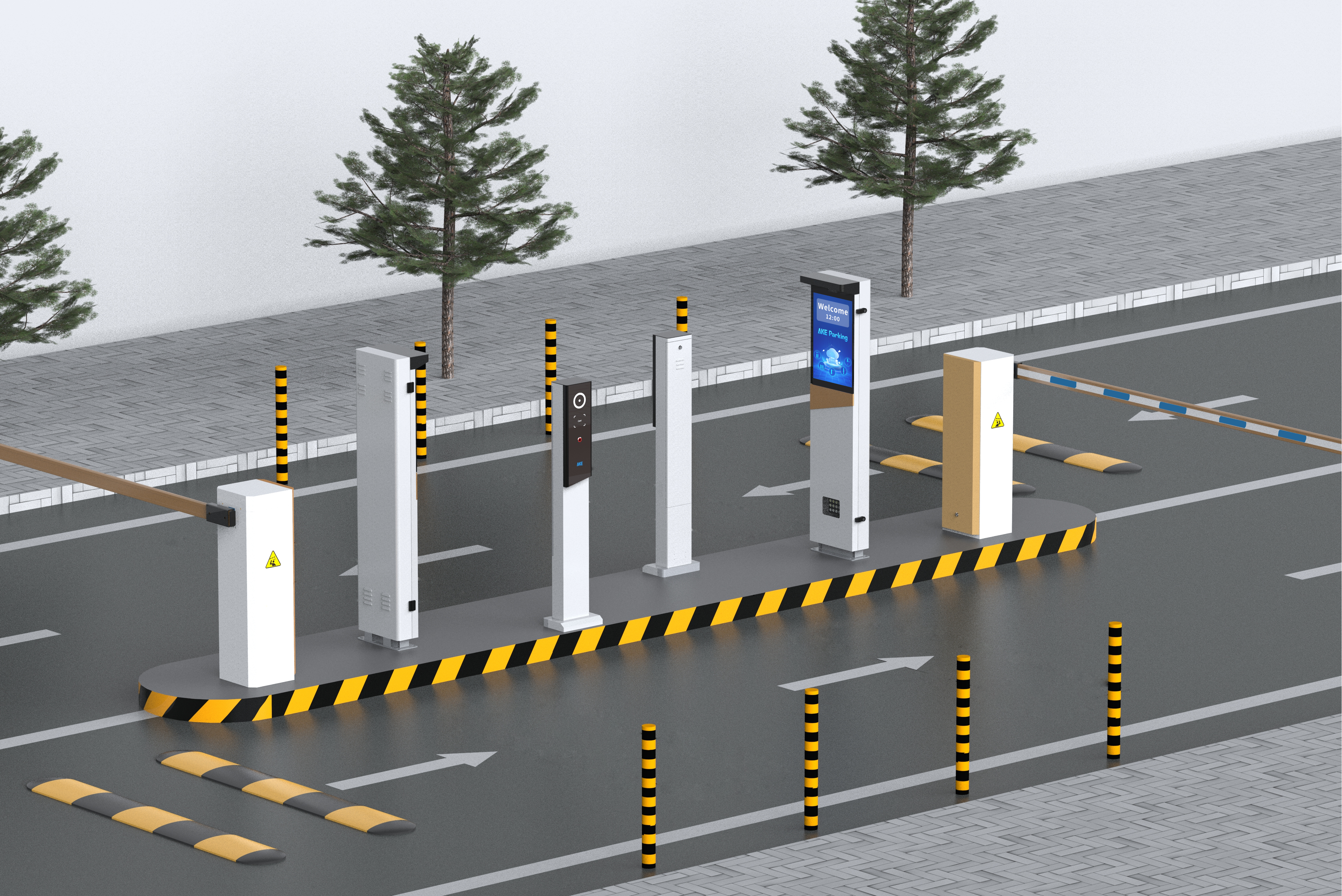
Barrier Gate: A barrier gate physically controls vehicle passage at an entrance or exit. In an integrated system, it can receive control instructions based on vehicle identification, authorization, payment status, or other configured rules.
Parking Guidance System: A parking guidance system provides information about available parking spaces and helps drivers navigate through a facility. It can use occupancy information and communicate availability through entrance displays, indoor displays, or directional signs.
Occupancy Detection: Occupancy detection determines whether individual parking spaces are occupied or available. Different projects may use different detection technologies depending on the parking environment and system design.
Access Authentication: Access authentication determines whether a vehicle or person is authorized to enter a controlled area. Depending on the application, it may involve license plates, RFID, QR codes, cards, facial recognition, or mobile credentials.
Centralized Management: Centralized management brings information from multiple devices, lanes, parking areas, or sites into a unified management environment. This allows operators to review parking activity and equipment information from a central interface.
What Is a Parking Session?
A parking session is the record of a vehicle’s stay in a parking facility, usually beginning when the vehicle enters and ending when it exits.
Depending on the system, a parking session may contain information such as the vehicle identifier, entry time, exit time, parking location, access status, and payment-related data. This concept helps connect separate events into one record of a vehicle’s parking activity.
What Are Whitelists and Blacklists in Parking Management?
A whitelist is a predefined list of vehicles or users that are permitted to access a parking facility or controlled area. A blacklist identifies vehicles or users that should be restricted according to configured access rules.
These functions can support different access scenarios. For example, a residential parking system may use a whitelist for registered residents, while a restricted facility may use a blacklist for specific vehicles.
What Is an Event Log in Parking Software?
An event log records activities detected or processed by the parking system. These may include vehicle identification, barrier opening, access authorization, vehicle entry or exit, equipment alarms, and other system events.
Event logs provide a historical view of system activity and can help operators review what happened during a particular period or investigate an operational issue.
How Do These Parking Terms Work Together?
These concepts represent different parts of the same parking workflow. LPR can identify a vehicle, while access authentication determines whether it is authorized. The barrier gate then controls physical passage, and the resulting activity can be recorded as part of a parking session or event log.
Meanwhile, occupancy detection provides information about individual parking spaces. A parking guidance system can use that information to communicate available spaces to drivers, while centralized management brings relevant data together for operators.
Understanding these relationships is more useful than viewing each term separately because parking technologies normally operate as connected components.
Why Does Parking Terminology Matter When Working With Car Park Management System Suppliers?
Clear terminology helps project owners, system integrators, and operators communicate requirements more precisely when working with car park management system suppliers.
For example, distinguishing occupancy detection from parking guidance, or authentication from barrier control, makes it easier to describe what each component needs to do.
At AKE Parking, we provide smart parking and access solutions covering LPR and barrier systems, parking guidance, curbside management, identity and access authentication, pedestrian turnstiles, and RFID access control. These solutions can be configured for different parking and access scenarios.
For B2B project teams, understanding key parking concepts is a practical starting point for discussing system architecture and operational workflows. Once the terminology is clear, stakeholders can communicate more effectively about how different technologies should work together.