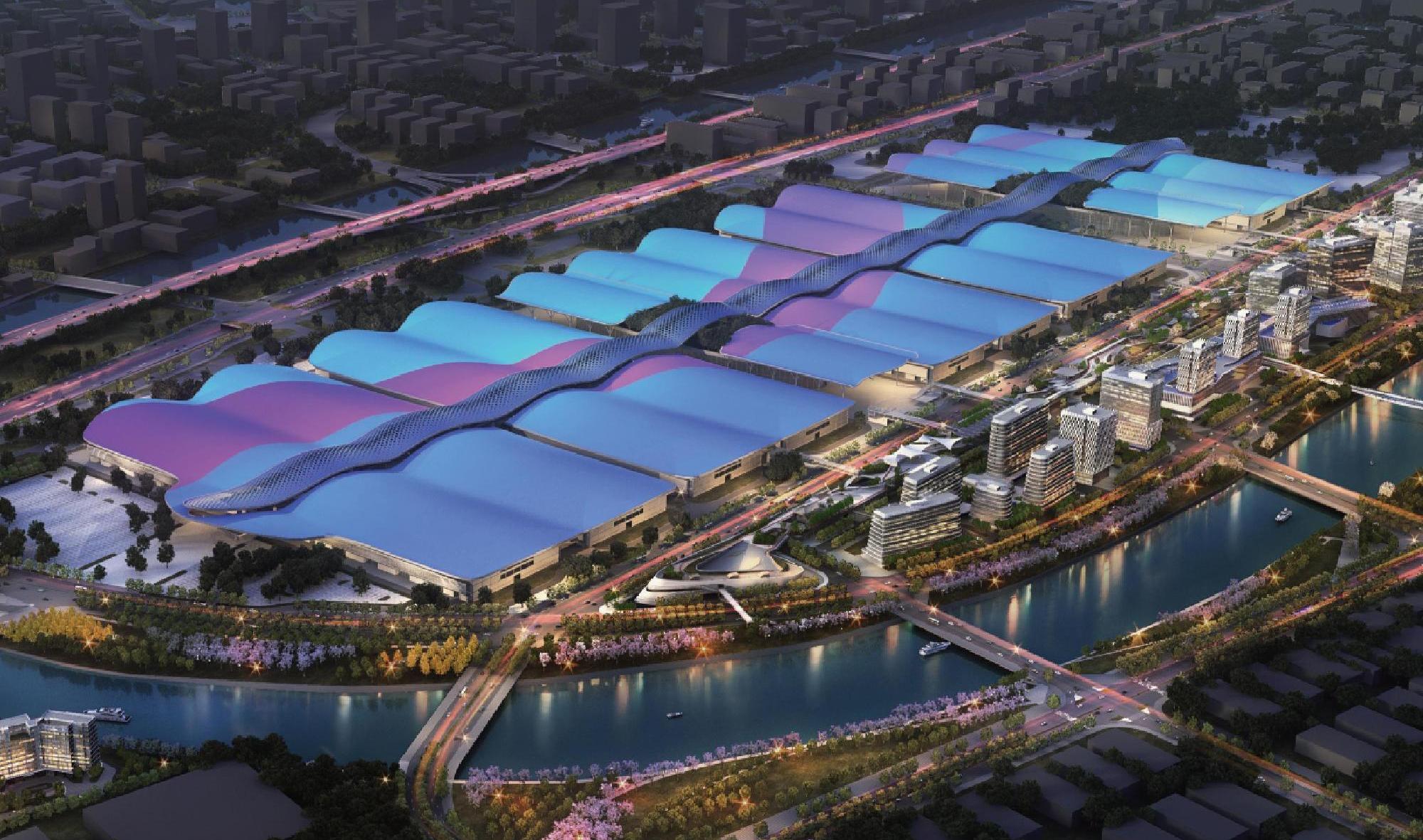
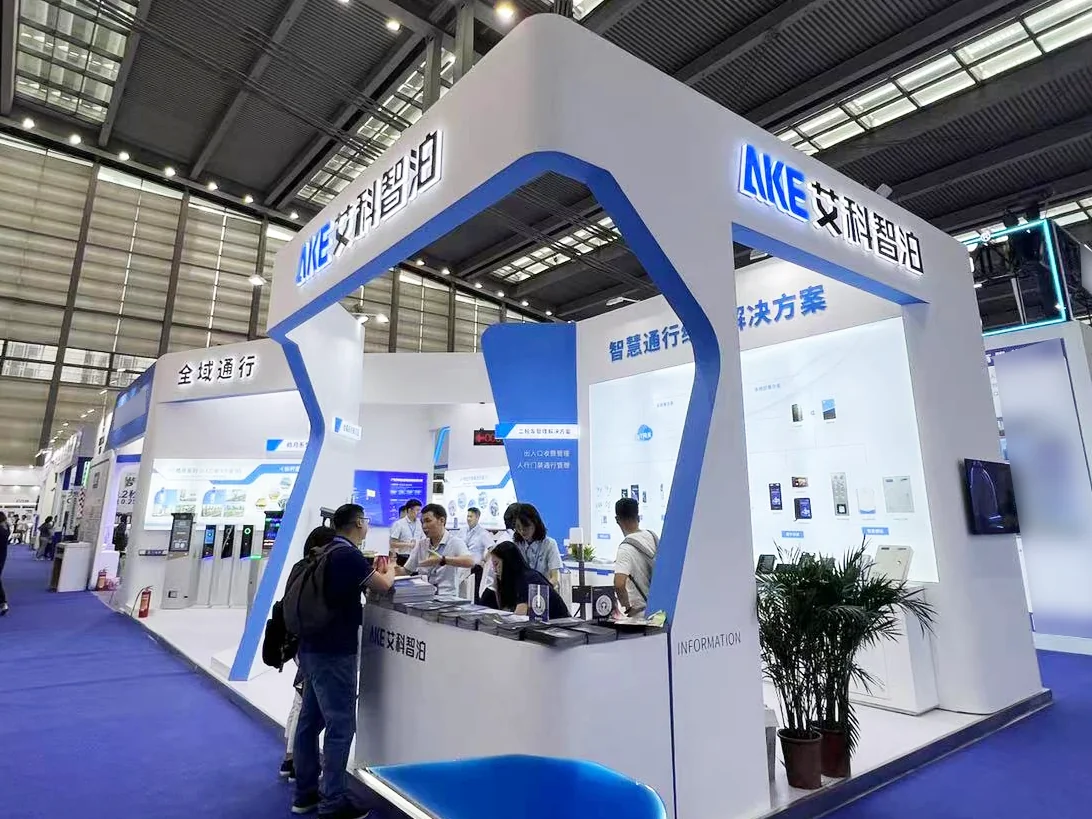
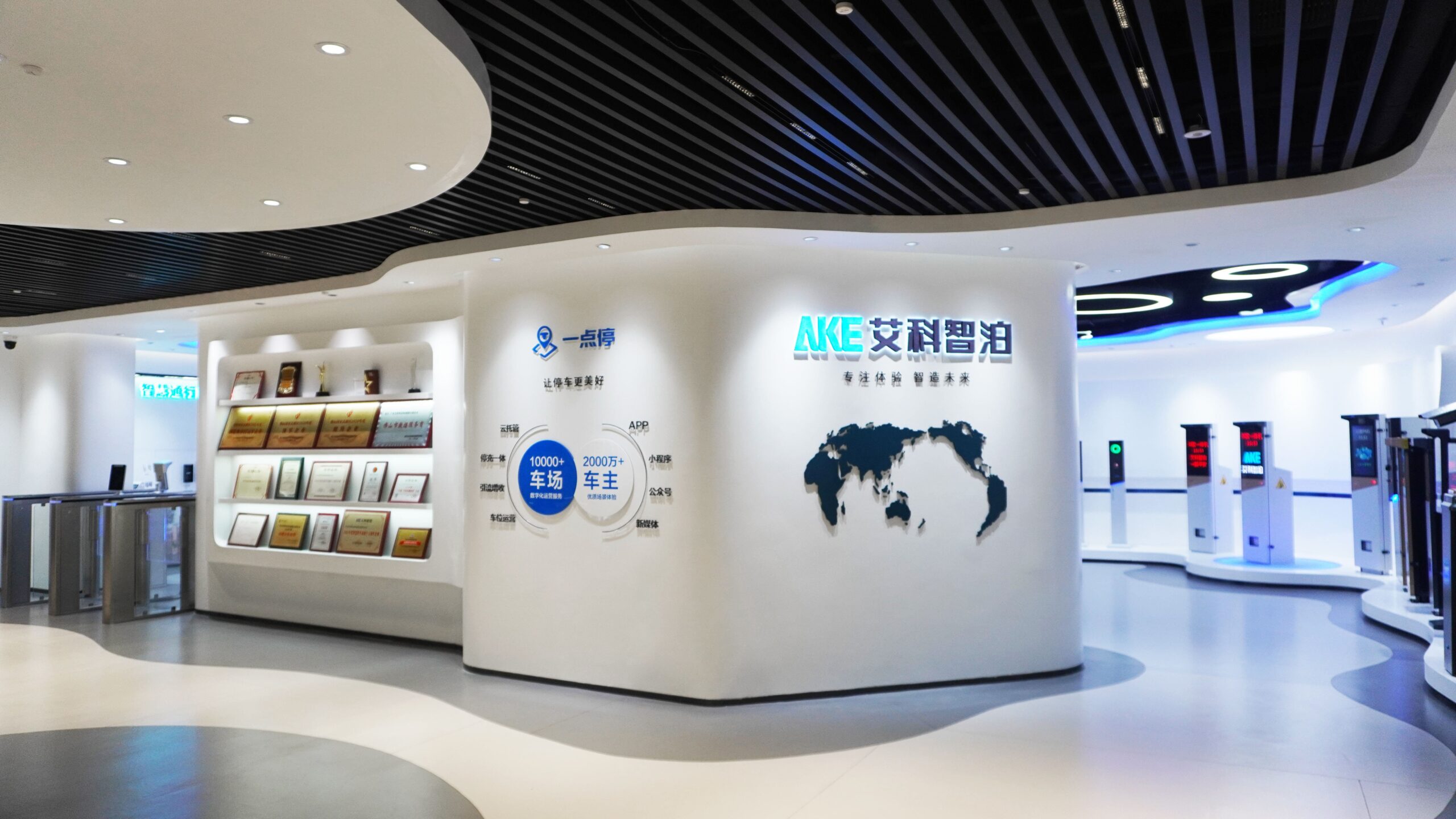
AKE’s smart parking solutions showroom gives operators, integrators, consultants, and project owners a practical way to evaluate connected parking and access technologies in one place. Instead of viewing isolated devices, visitors can examine real equipment, simulated operating scenarios, and software interactions across four solution zones: parking entry, parking guidance, curbside management, and pedestrian access control.
The result is a buyer-focused view of how AKE parking solutions can support the complete movement journey—from a vehicle approaching an entrance to a driver finding a space, and from citywide curbside sensing to controlled pedestrian access inside a building.
One Connected View of Parking and Access
A parking or access project rarely succeeds through hardware selection alone. Cameras, barriers, sensors, displays, payment terminals, credentials, and management software must exchange the right information at the right point in the user journey.
AKE’s showroom was designed around that system-level perspective. Product displays are combined with scenario models and interactive demonstrations so visitors can compare equipment, observe workflows, and identify integration requirements before moving into detailed project design.
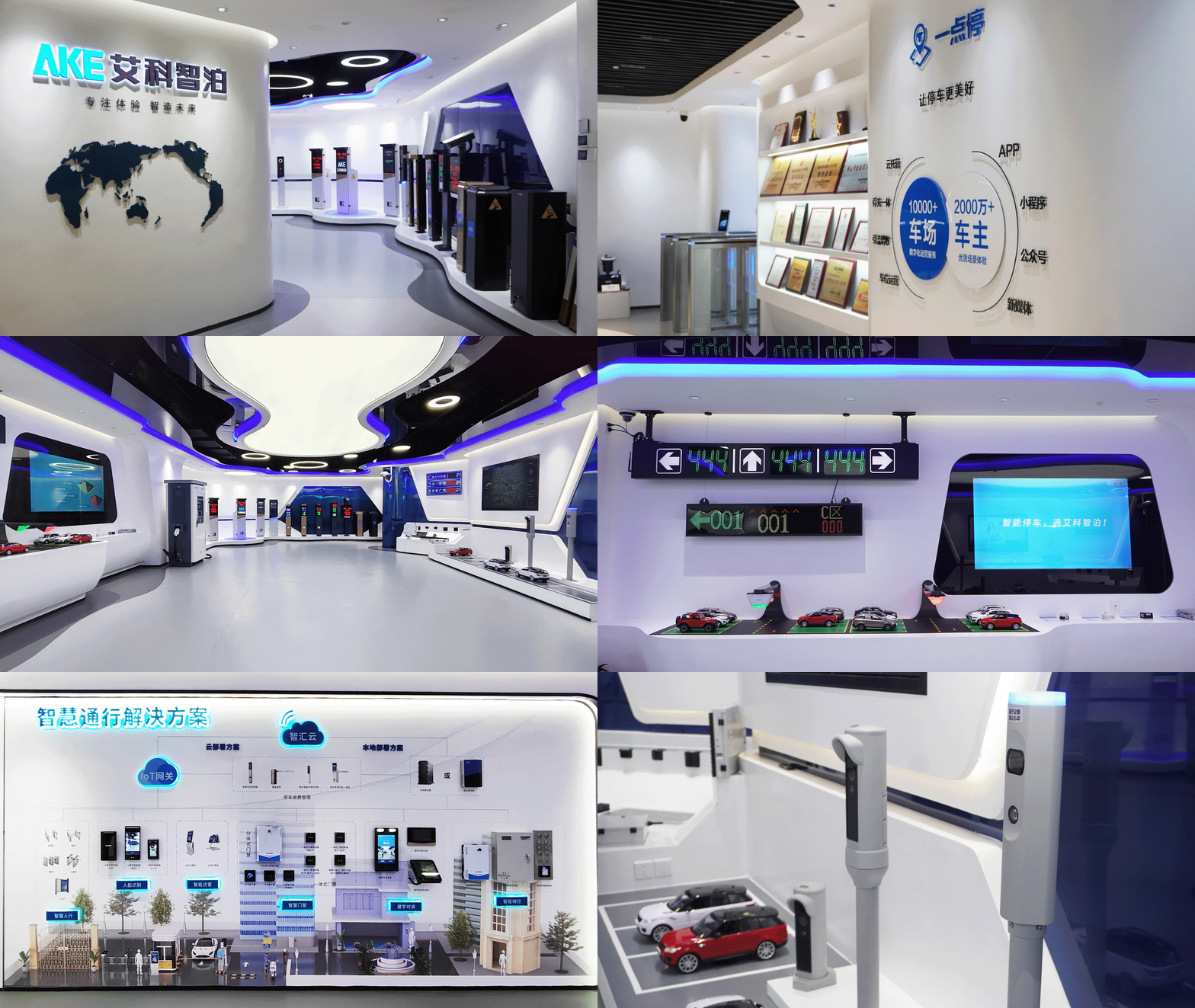
For teams assessing a smart parking management system, the four-zone layout answers a useful first question: which operational layer does each device support?
| Showroom zone | What visitors can inspect | Project decision it supports |
|---|---|---|
| LPR & Barrier System | Entry equipment, parking terminals, and software-assisted operation | Vehicle entry, authorization, payment, and exit workflow |
| Parking Guidance System | Occupancy detection, guidance displays, reverse car finding, and EV charging operations | Driver guidance and indoor parking experience |
| Curbside Management | In-ground sensors, video detection, high-mounted cameras, and LED information devices | On-street occupancy visibility and urban parking operations |
| Access Control | Pedestrian gates, credentials, visitor devices, intercoms, and elevator control | Identity verification and controlled movement through a building |
1. Parking Entry: Hardware and Software in the Same Workflow
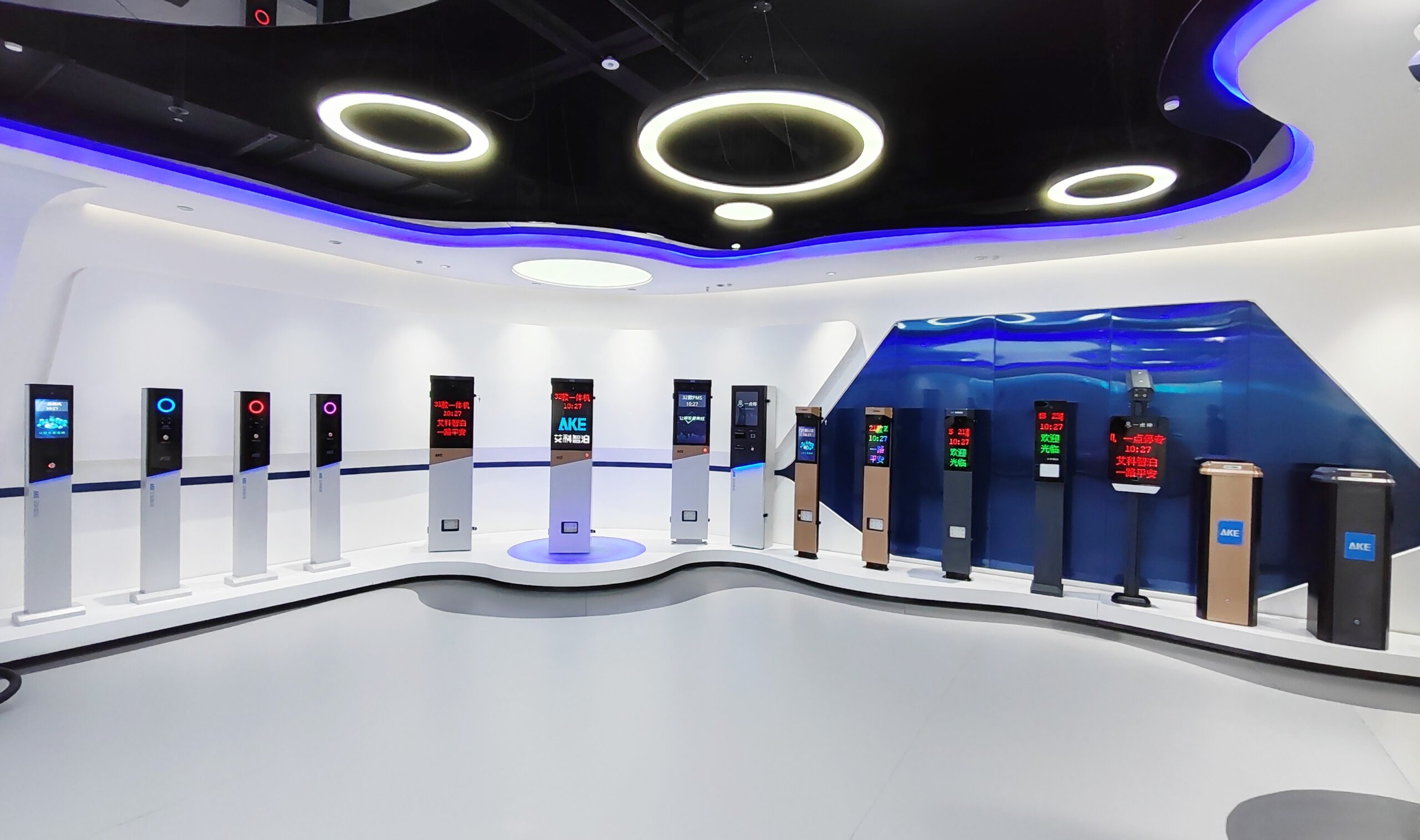
The parking-entry zone displays multiple barrier and terminal configurations as real equipment. That matters to buyers because cabinet design, screen visibility, component layout, user interaction, and software operation are difficult to judge from a specification sheet alone.
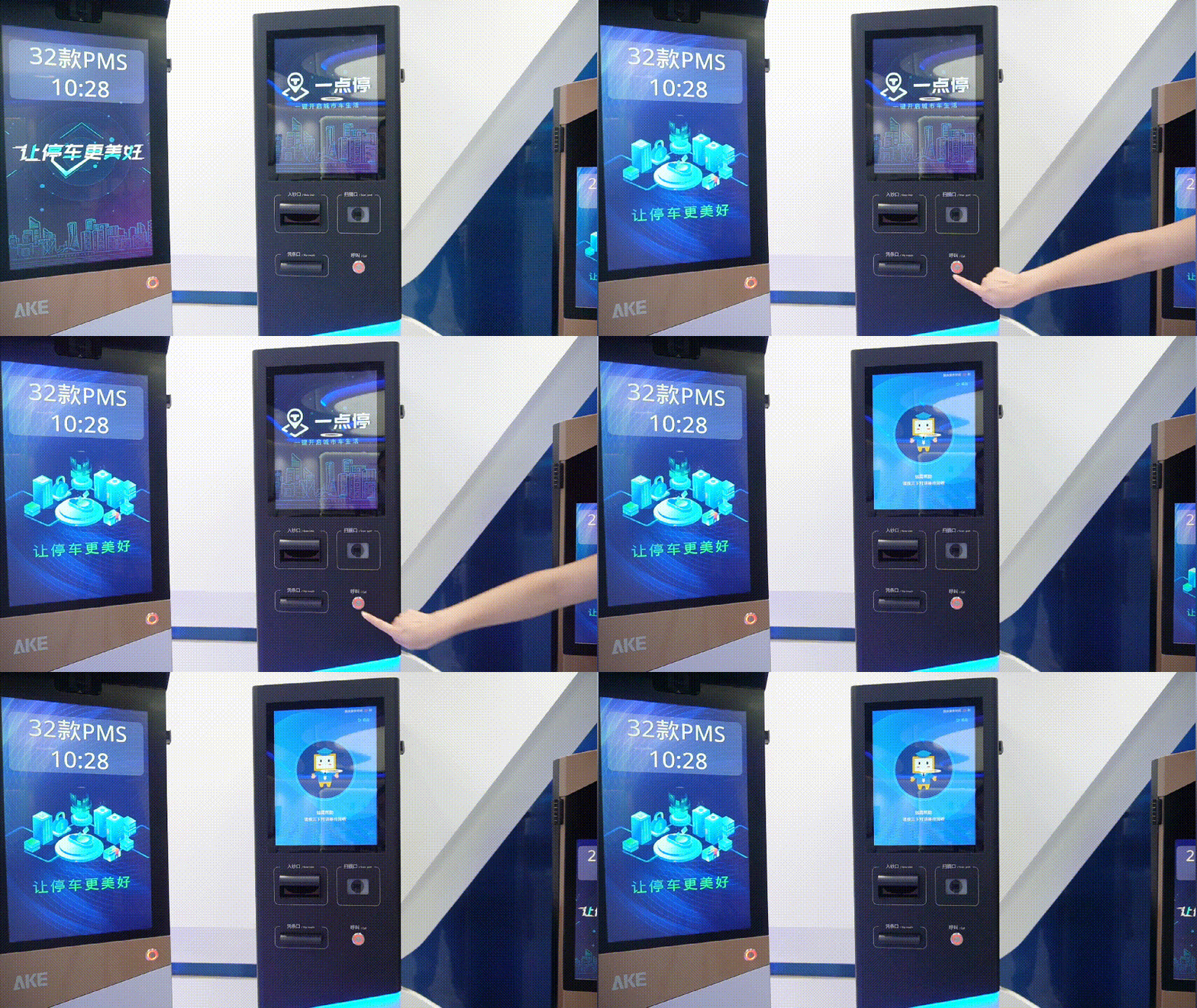
The area also demonstrates how parking terminals participate in a broader workflow. Visitors can consider where identification, payment, operator assistance, and barrier control need to connect—then translate those observations into site-specific requirements.
This is the right stage to ask practical questions: What credentials will be accepted? Which transactions need operator intervention? What happens when a network or peripheral device is unavailable? The showroom does not replace a site survey. Use our parking guidance system site survey checklist to turn those project questions into documented coverage, sign-location, network, fallback, and acceptance requirements.
2. Parking Guidance: From Space Detection to Driver Information
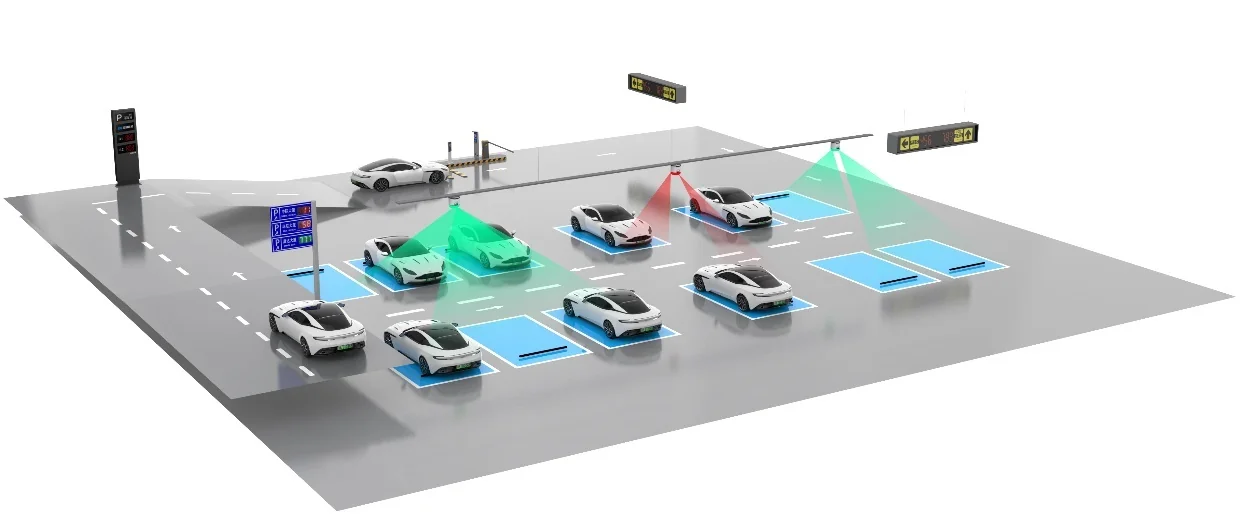
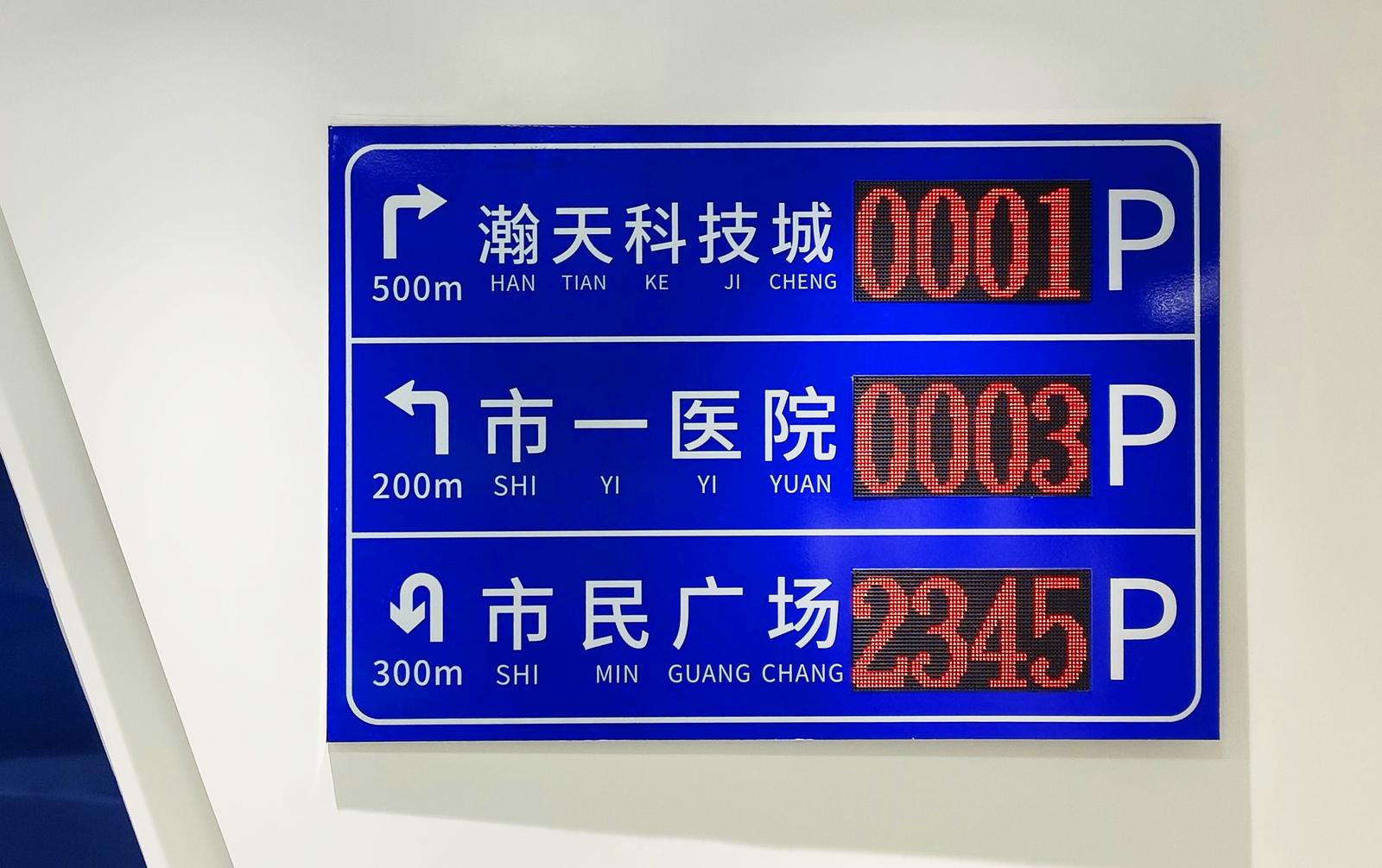
The parking guidance system zone recreates the main steps of an indoor parking journey. Its scenarios cover entrance information, available-space updates, guidance toward open spaces, video-based space detection, reverse car finding, EV charging operations, and the management of spaces reserved for new-energy vehicles.
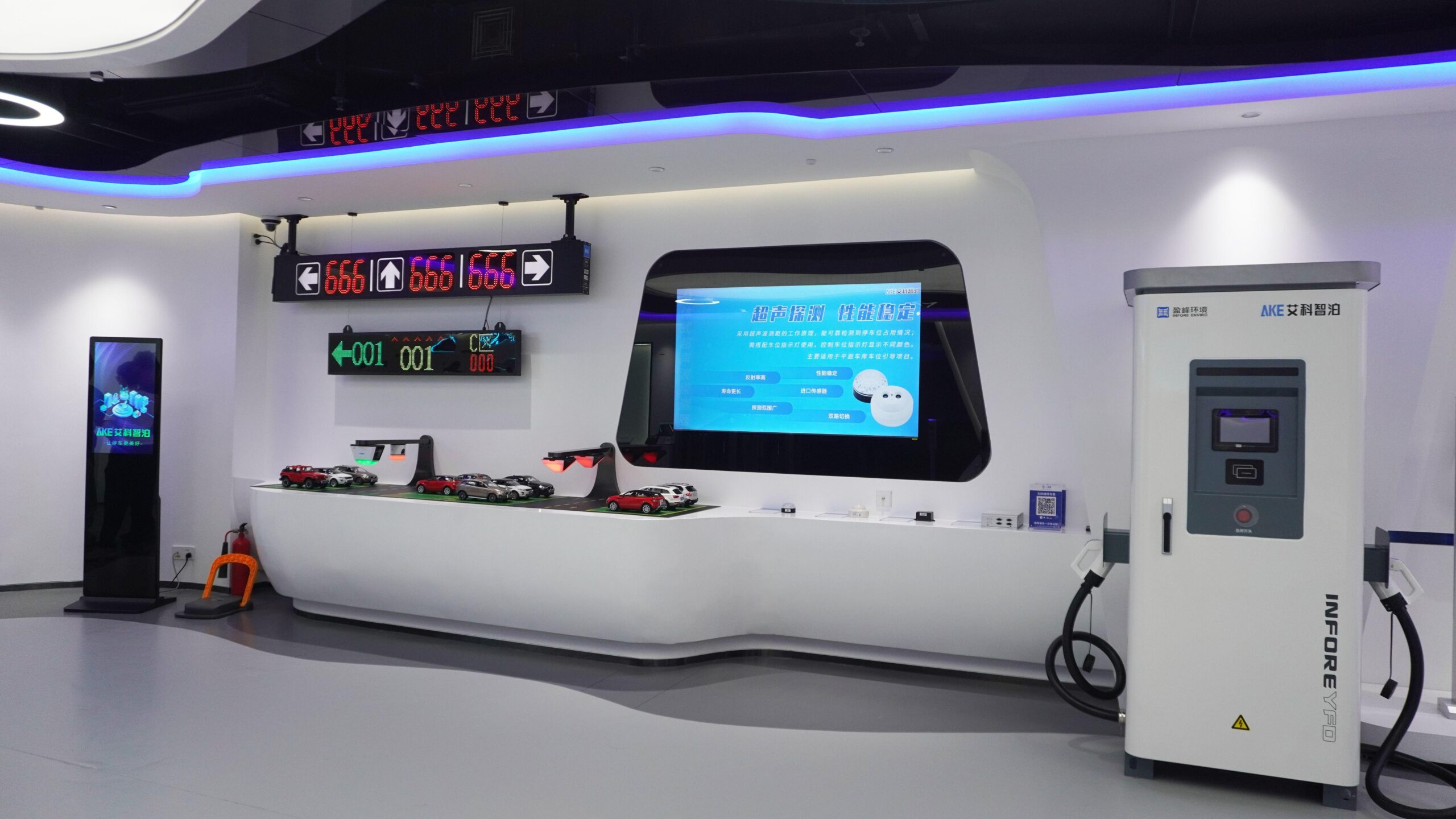
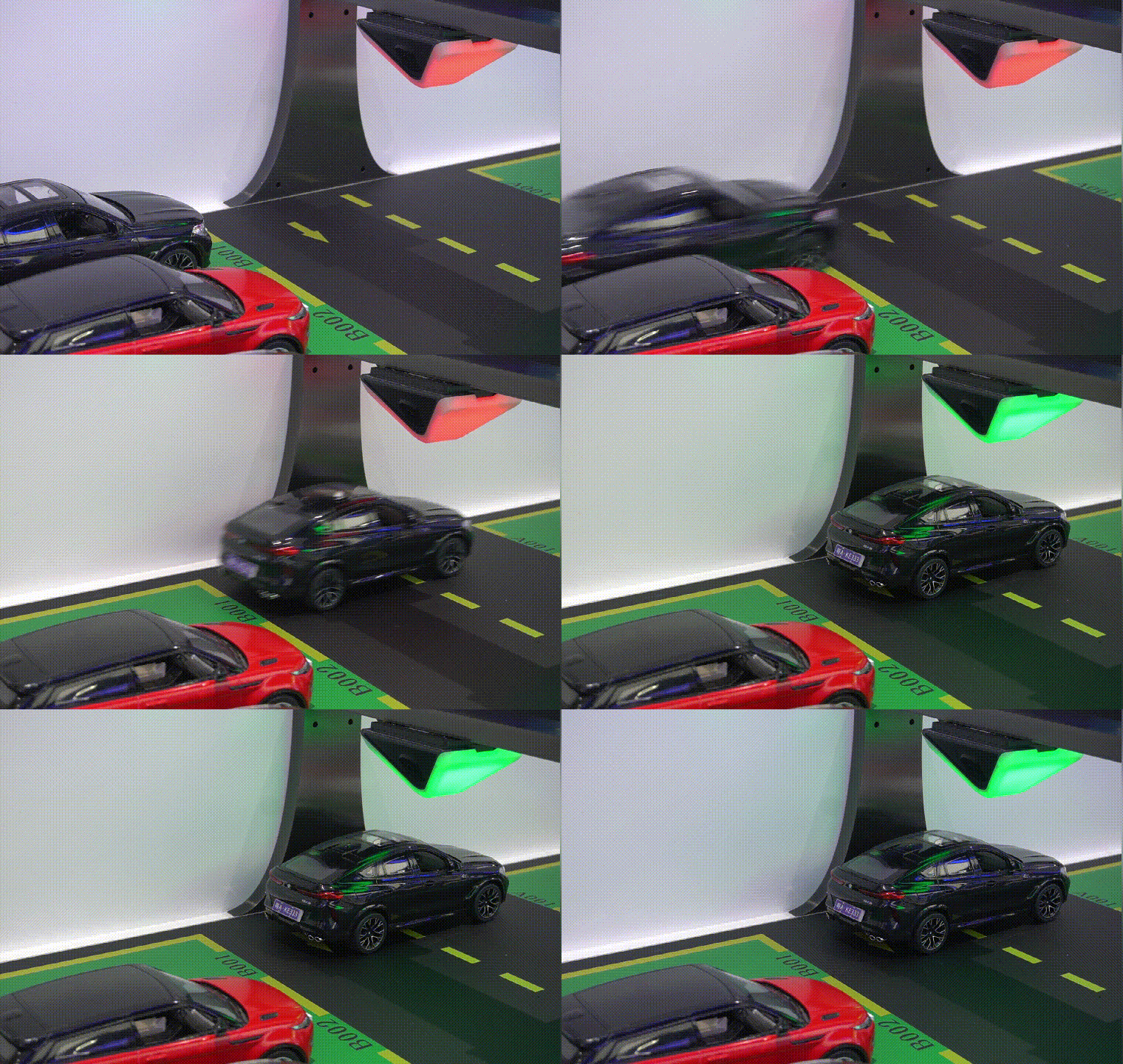
For a project team, this makes the information flow easier to evaluate. A detection device establishes space status; the system aggregates that status; directional displays communicate availability; and a search interface helps a returning driver locate a parked vehicle.
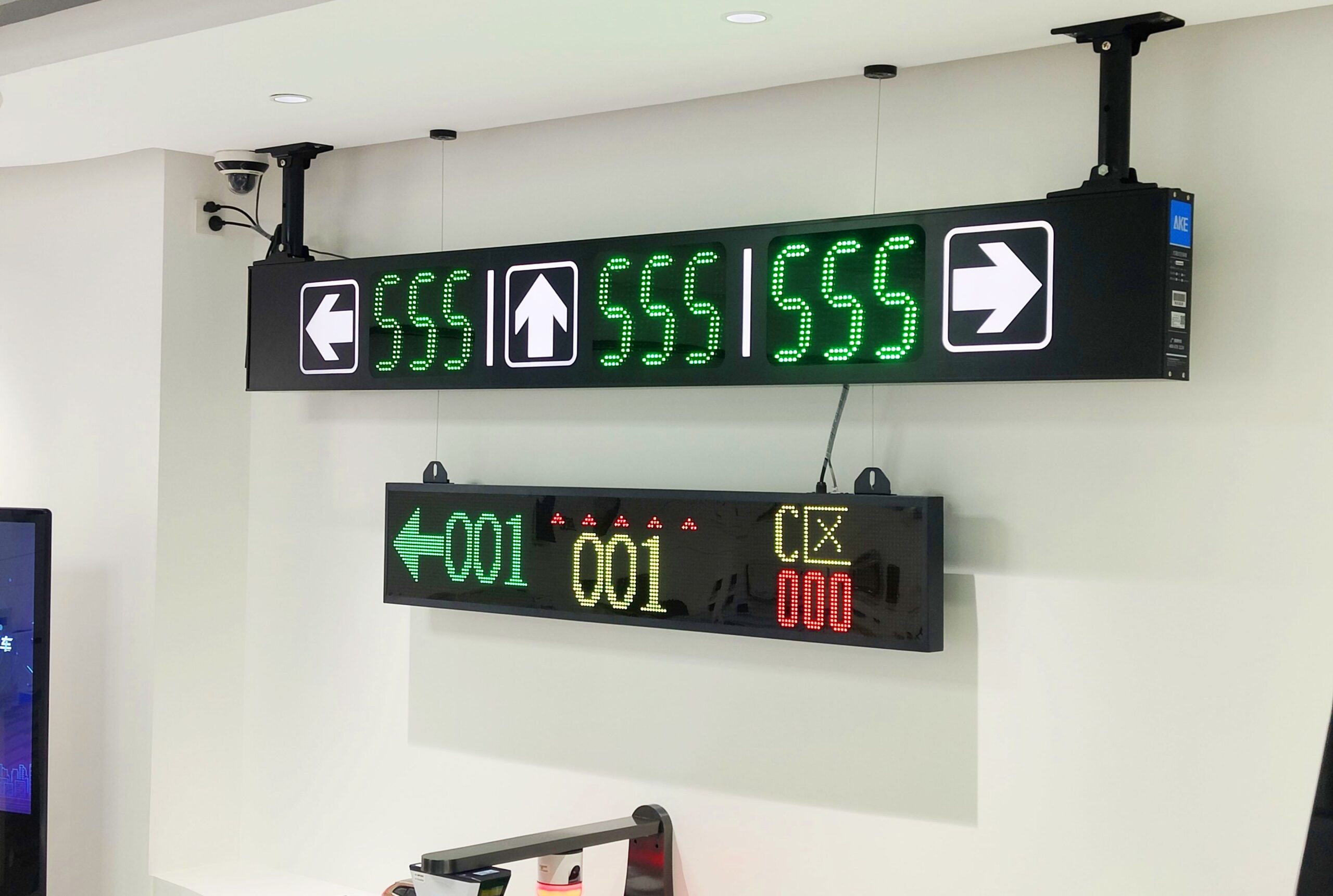
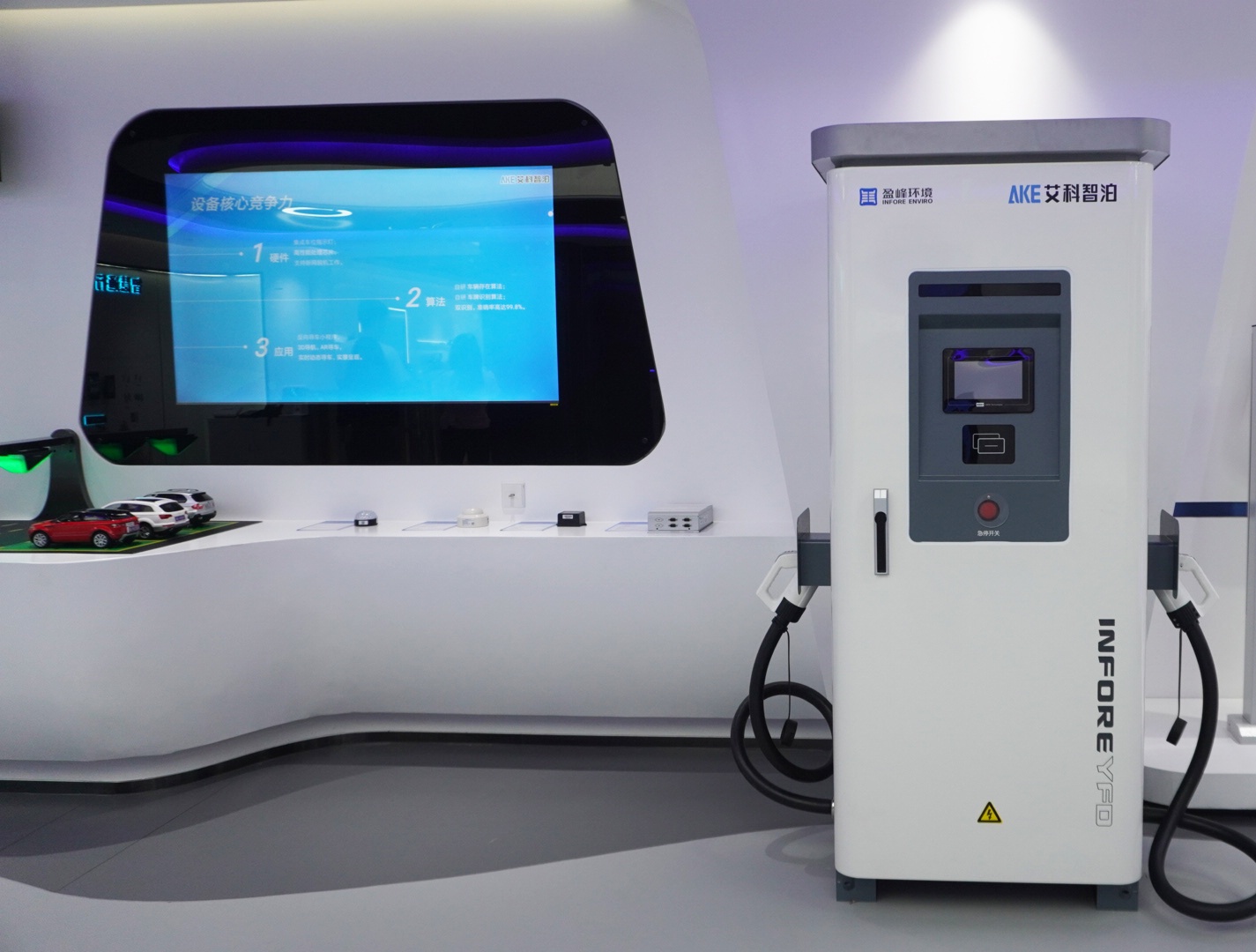
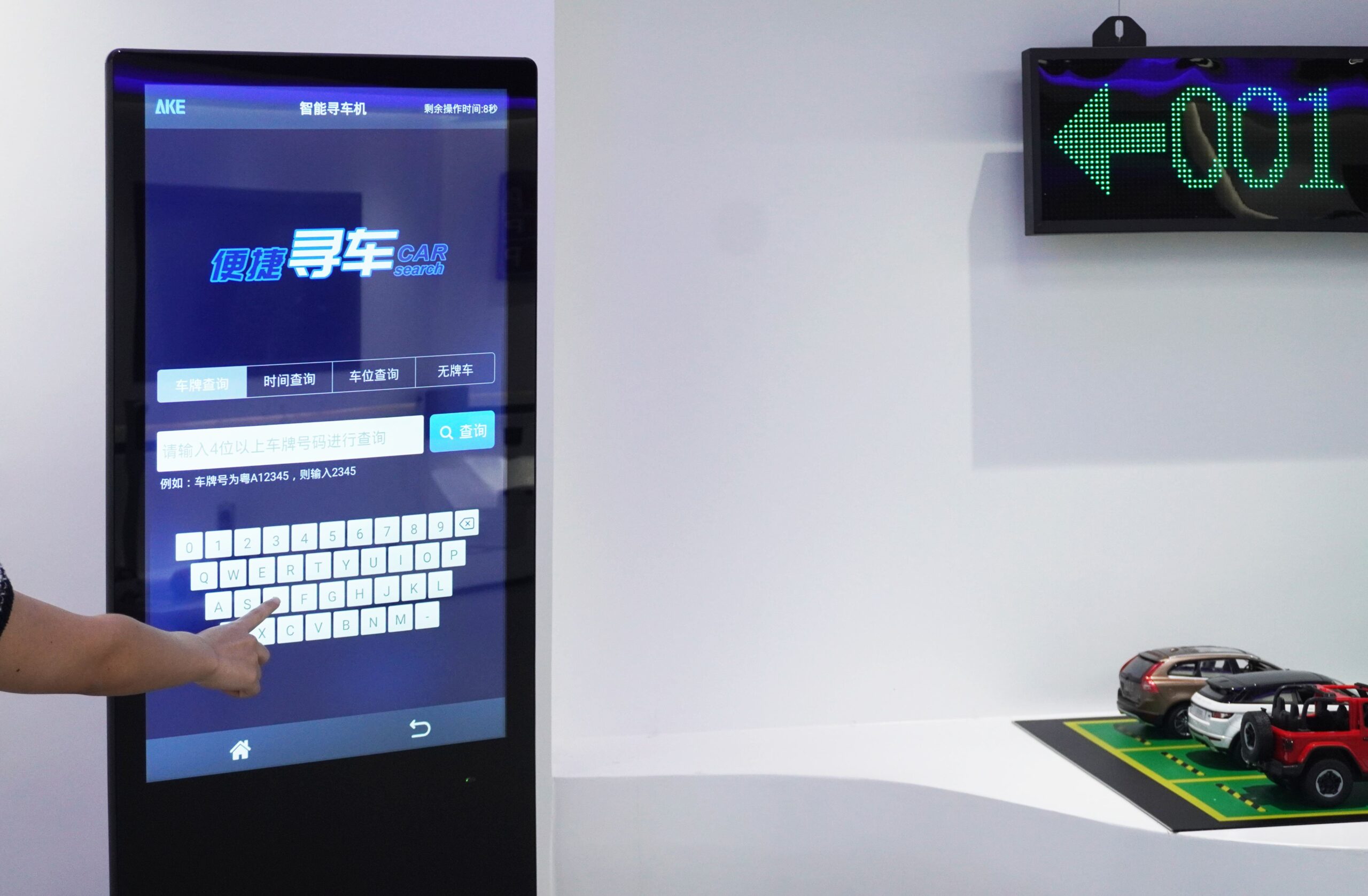
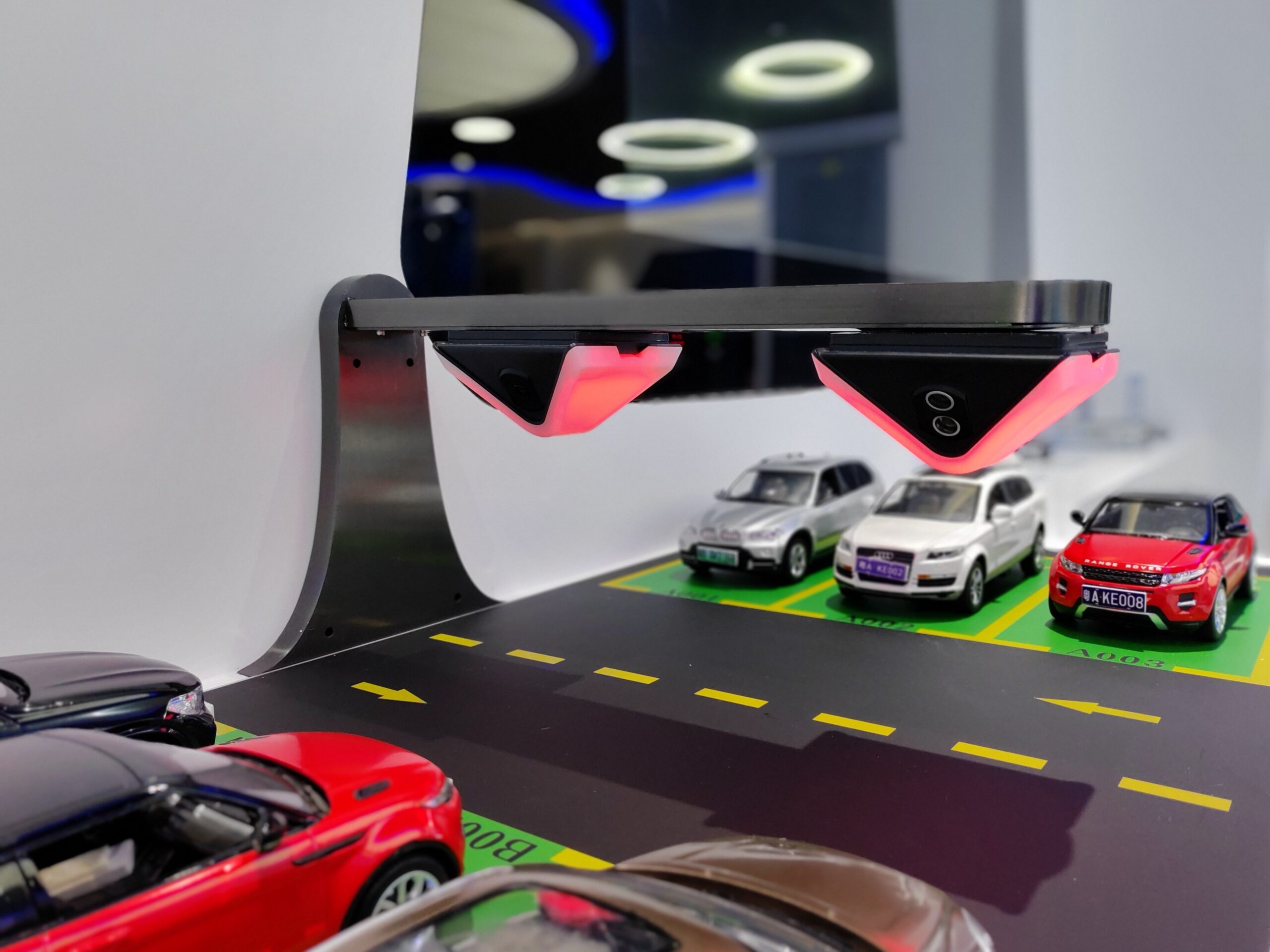
The important buying decision is not simply which sensor or display to use. Teams should also define the facility layout, required detection coverage, sign locations, driver decision points, data interfaces, and fallback behavior.
3. Curbside Management: Making Urban Parking Conditions Visible
The urban-parking zone moves beyond a single facility. It recreates city guidance, on-street detection, high-mounted recognition, and data-platform scenarios using scaled exhibits and full-size product displays.
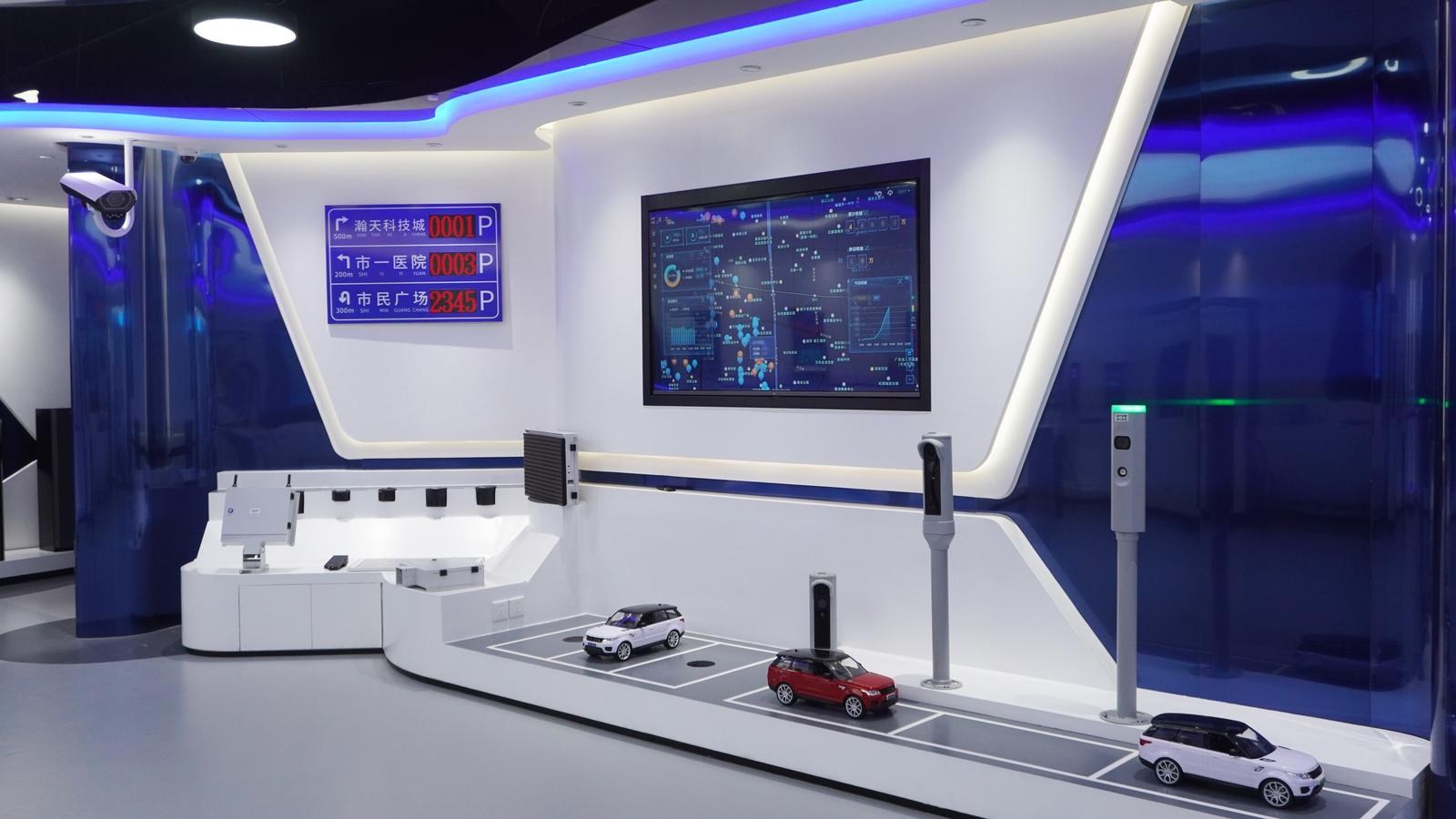
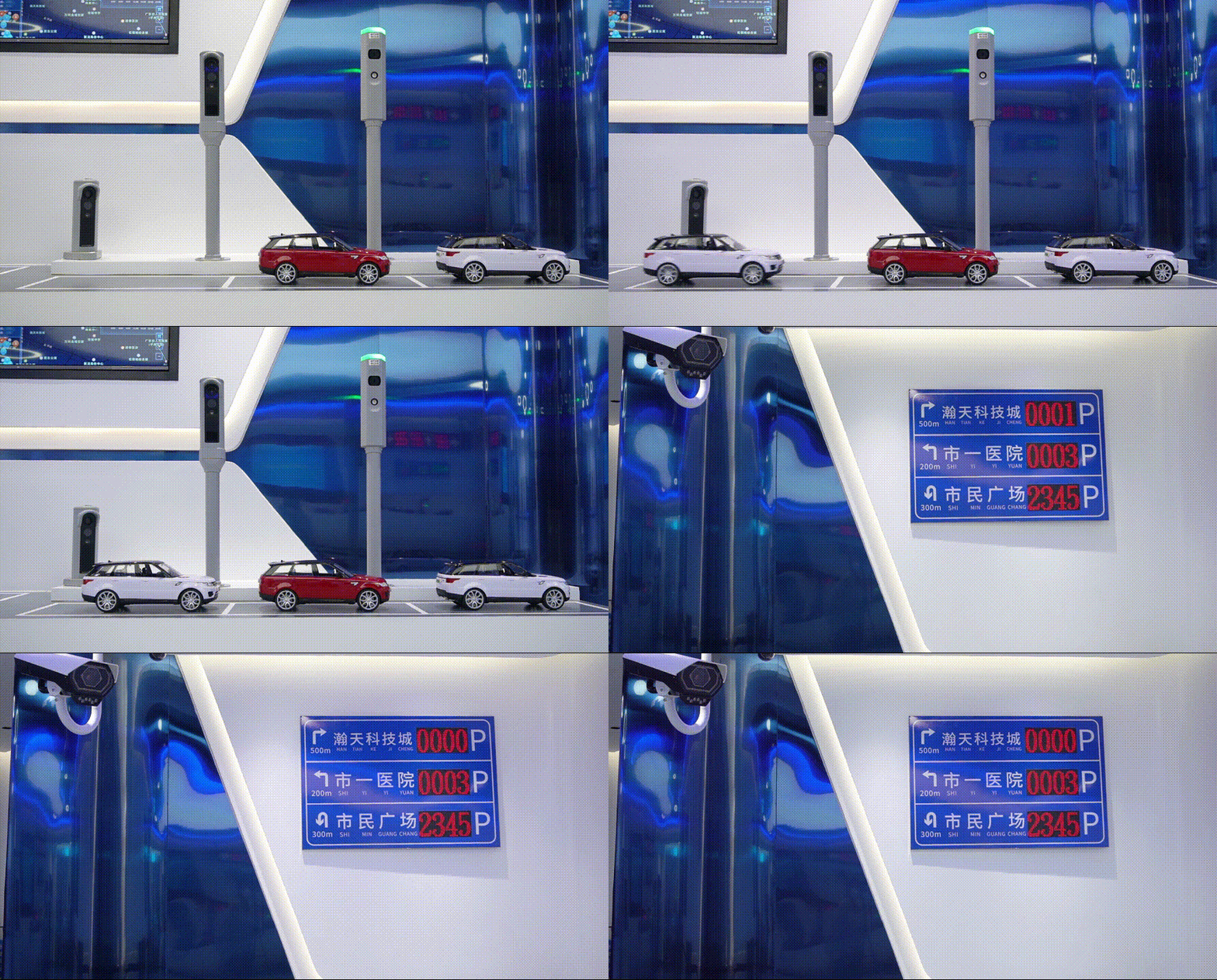
For municipalities and operators evaluating parking enforcement systems, the exhibit provides a useful map of the sensing and information layers that may support curbside operations. The physical display includes high-mounted cameras, in-ground parking sensors, video parking detectors, and LED information modules.
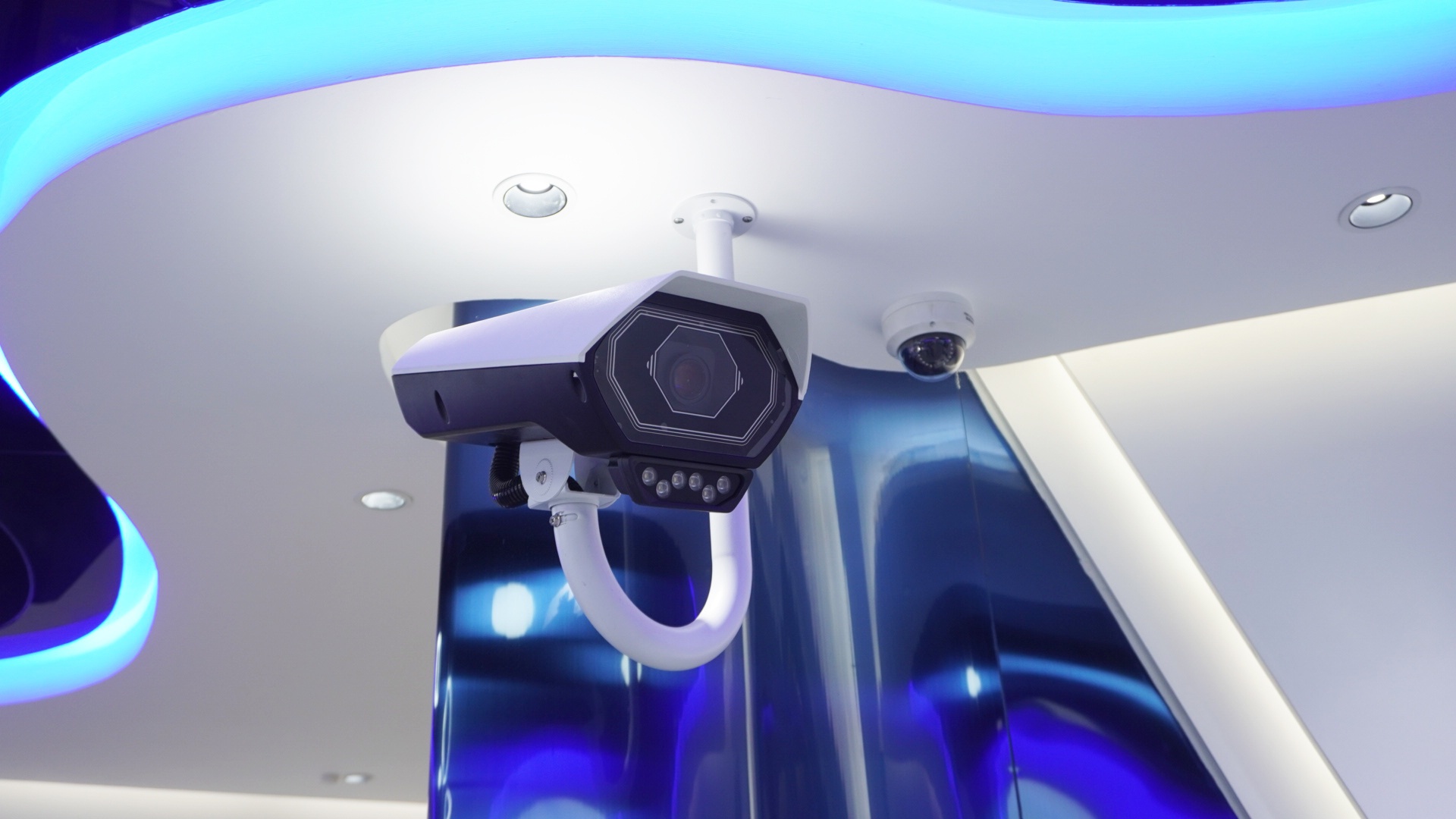
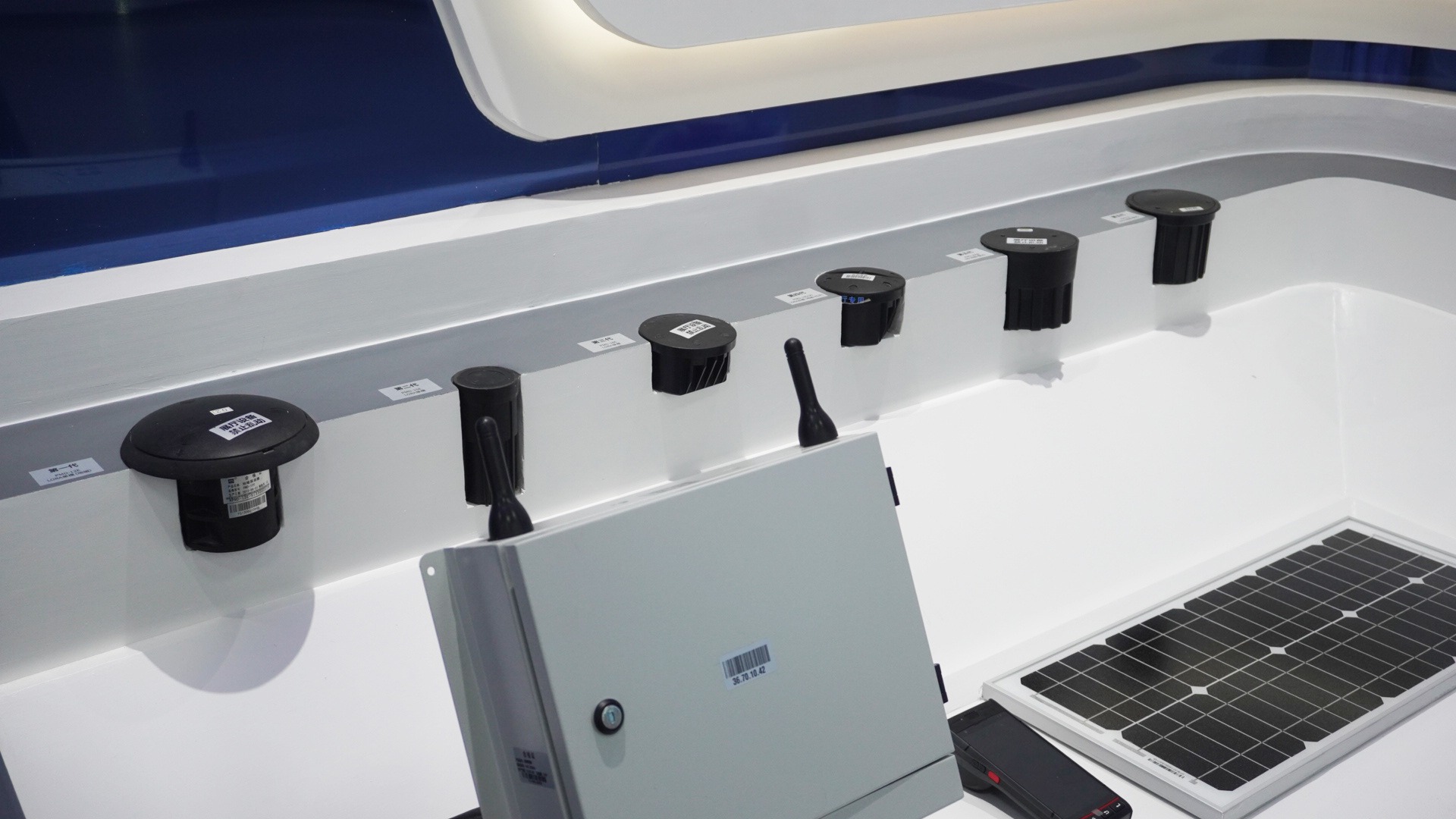
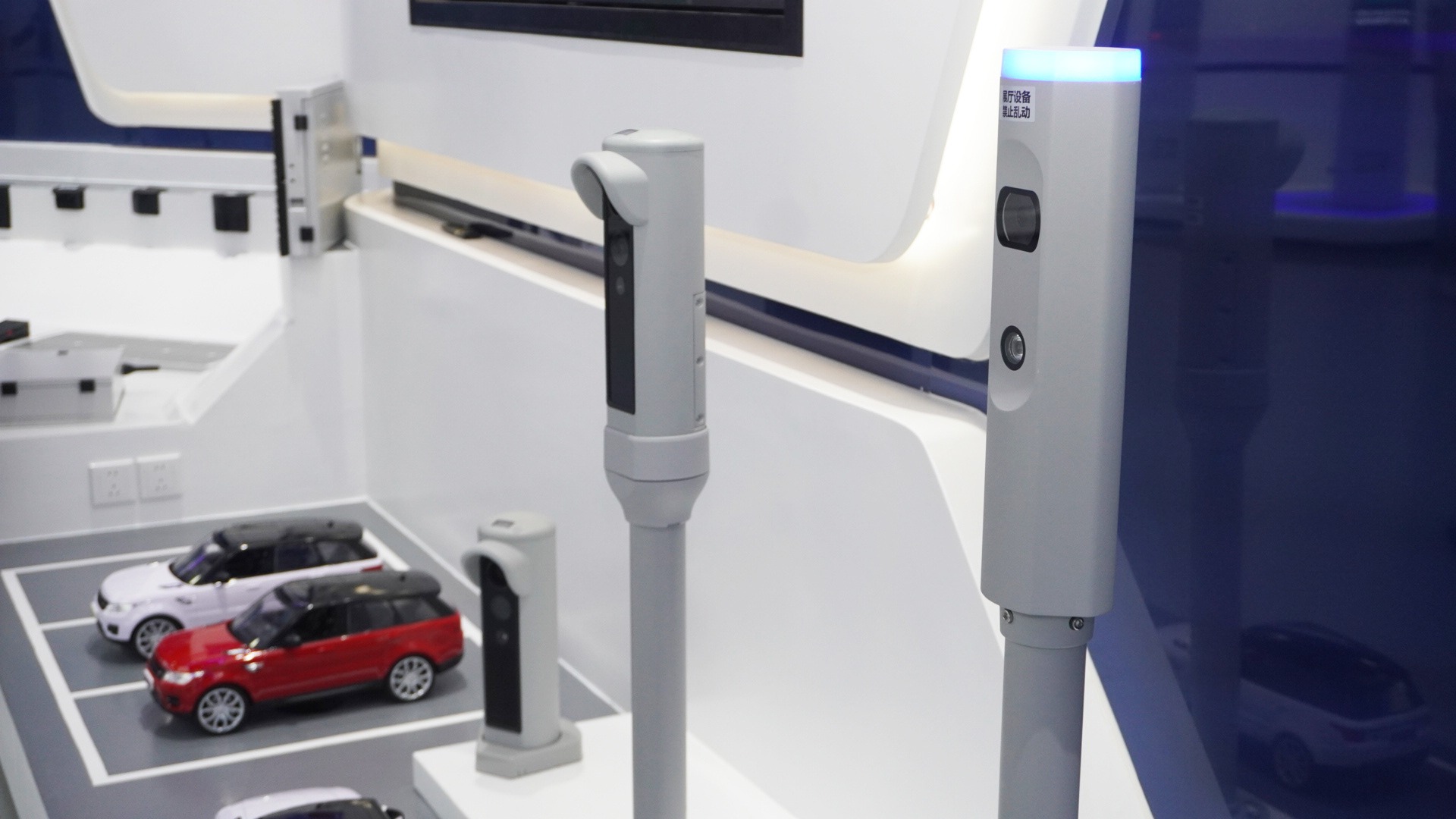
Actual deployment choices depend on road geometry, installation conditions, communications, data governance, local operating rules, and the evidence required by the project. The showroom helps stakeholders identify those dependencies without presenting one device as the universal answer.
4. Pedestrian Access: Linking Identity to Movement
Parking operations often connect to the pedestrian journey that follows. The smart-access zone therefore brings together six product areas: pedestrian access, facial recognition, visitor management, access control, building intercom, and elevator control.
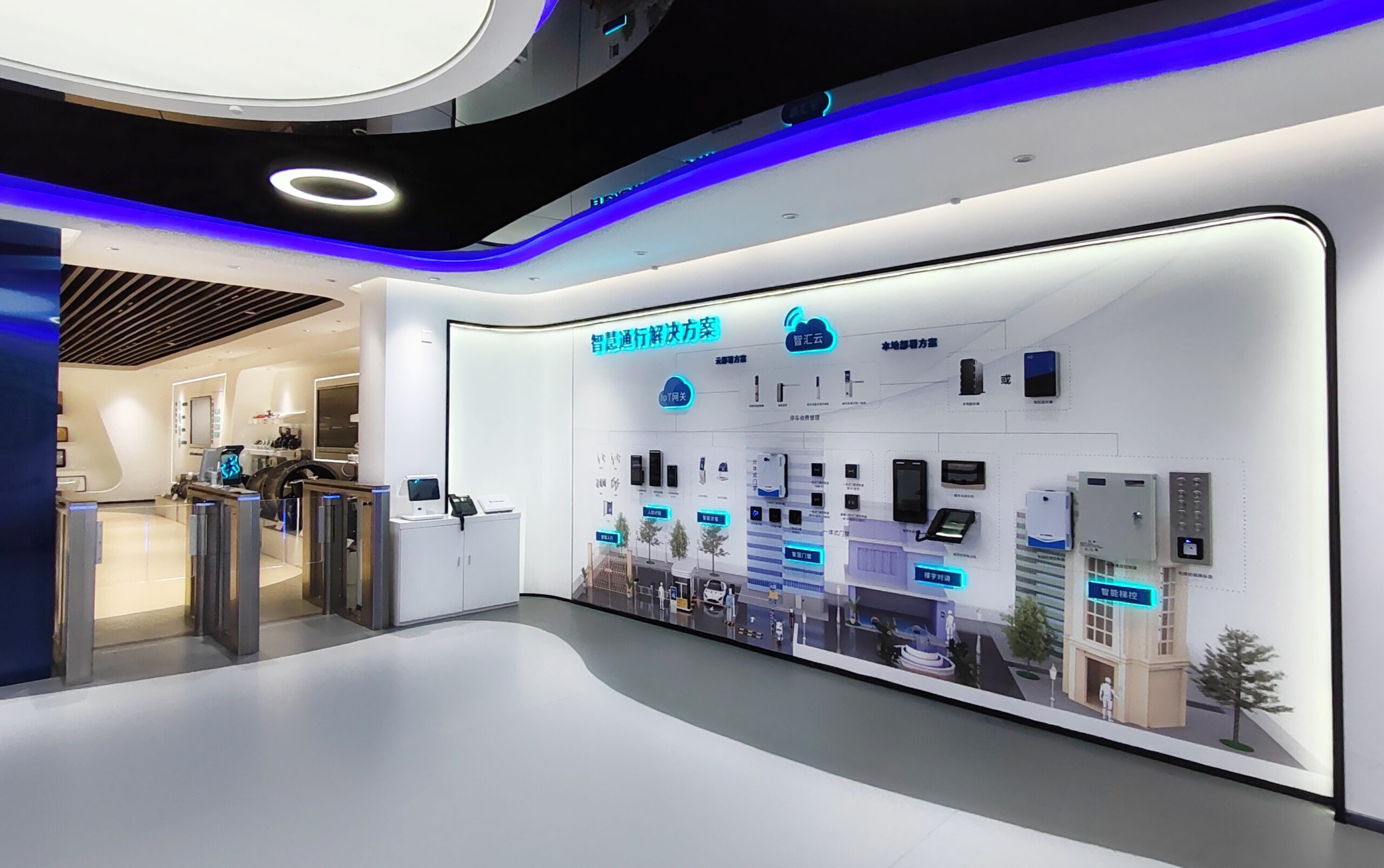
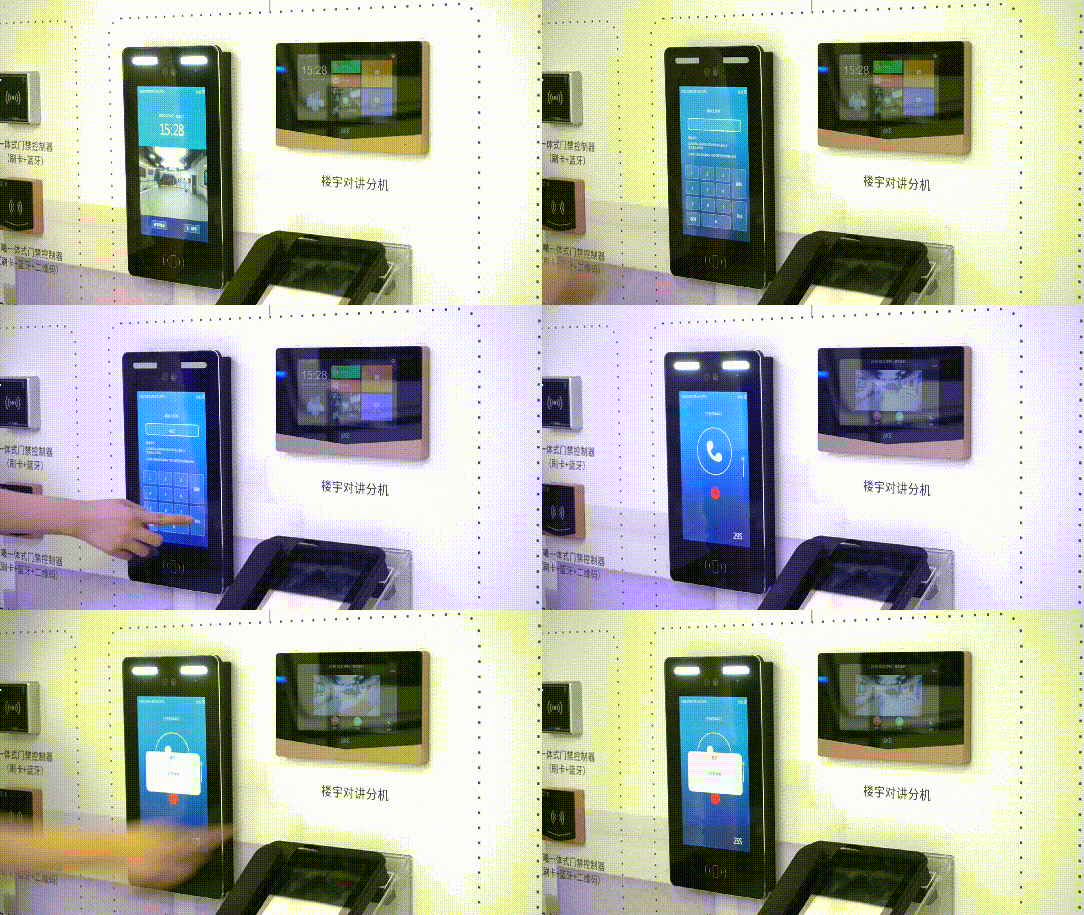
The zone allows project teams to examine how different identity methods can serve different users. Employees may use a card or another registered credential, visitors may require a temporary authorization workflow, and pedestrians may pass through a controlled gate before gaining access to a floor or room.
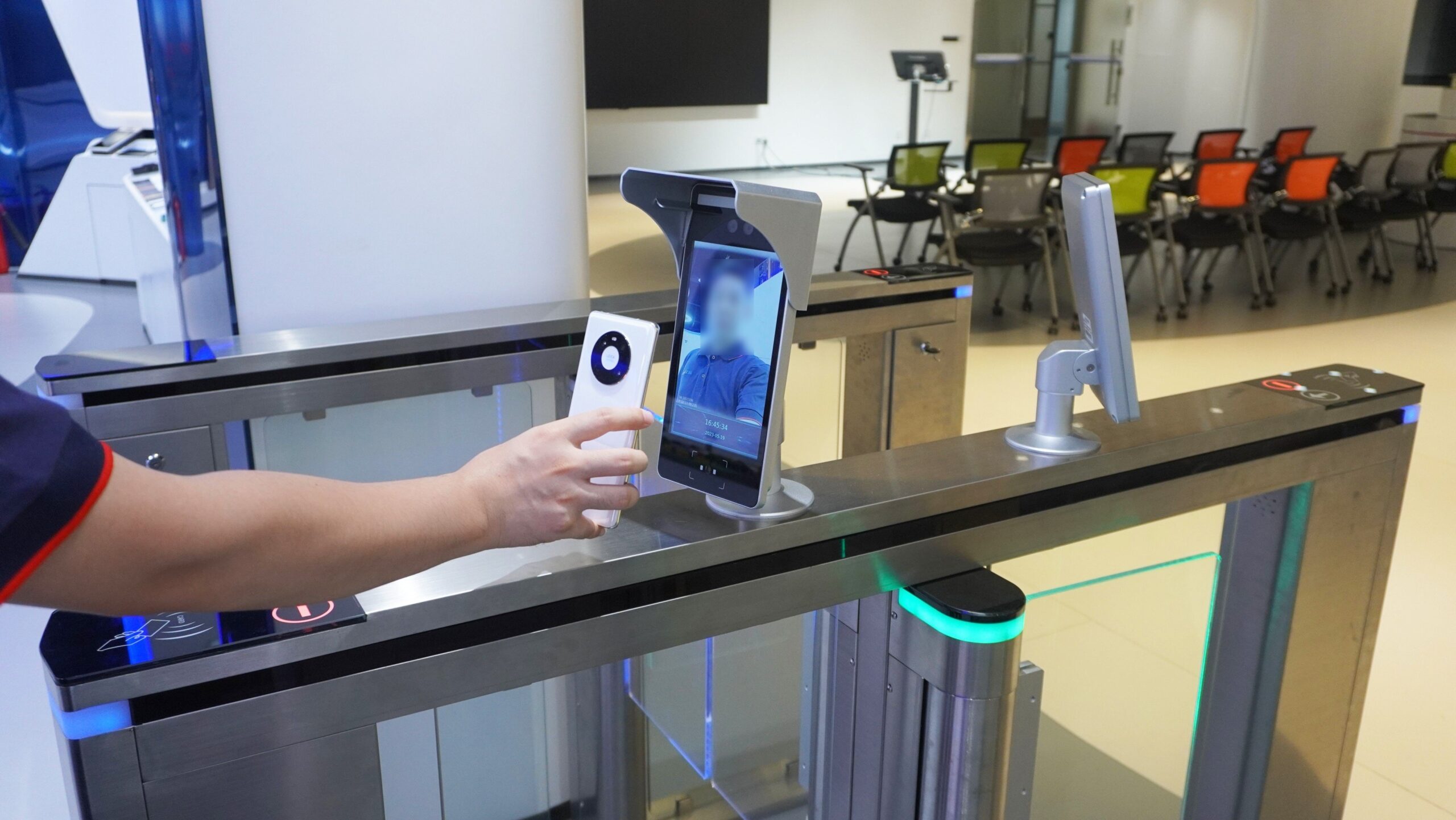
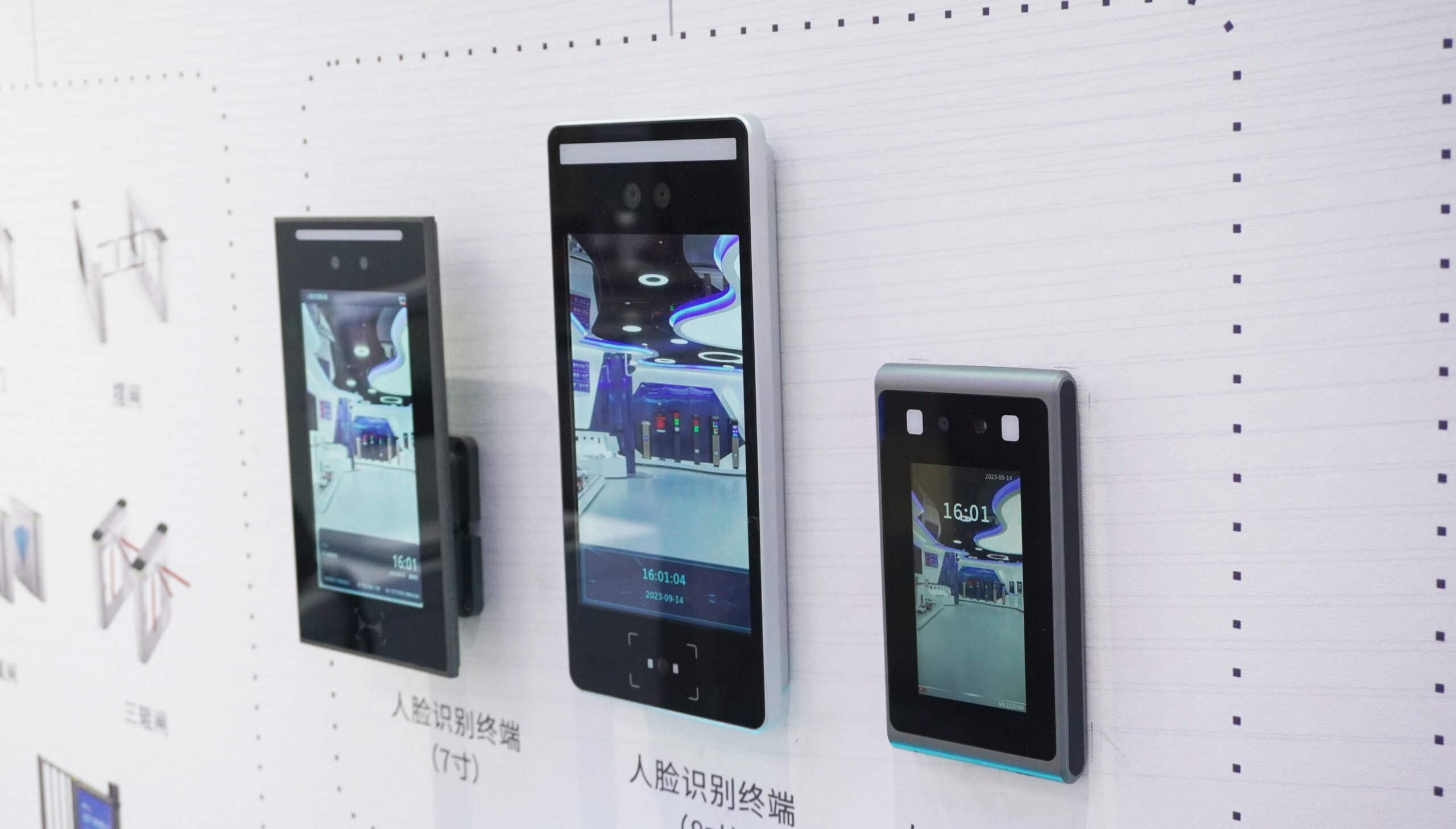
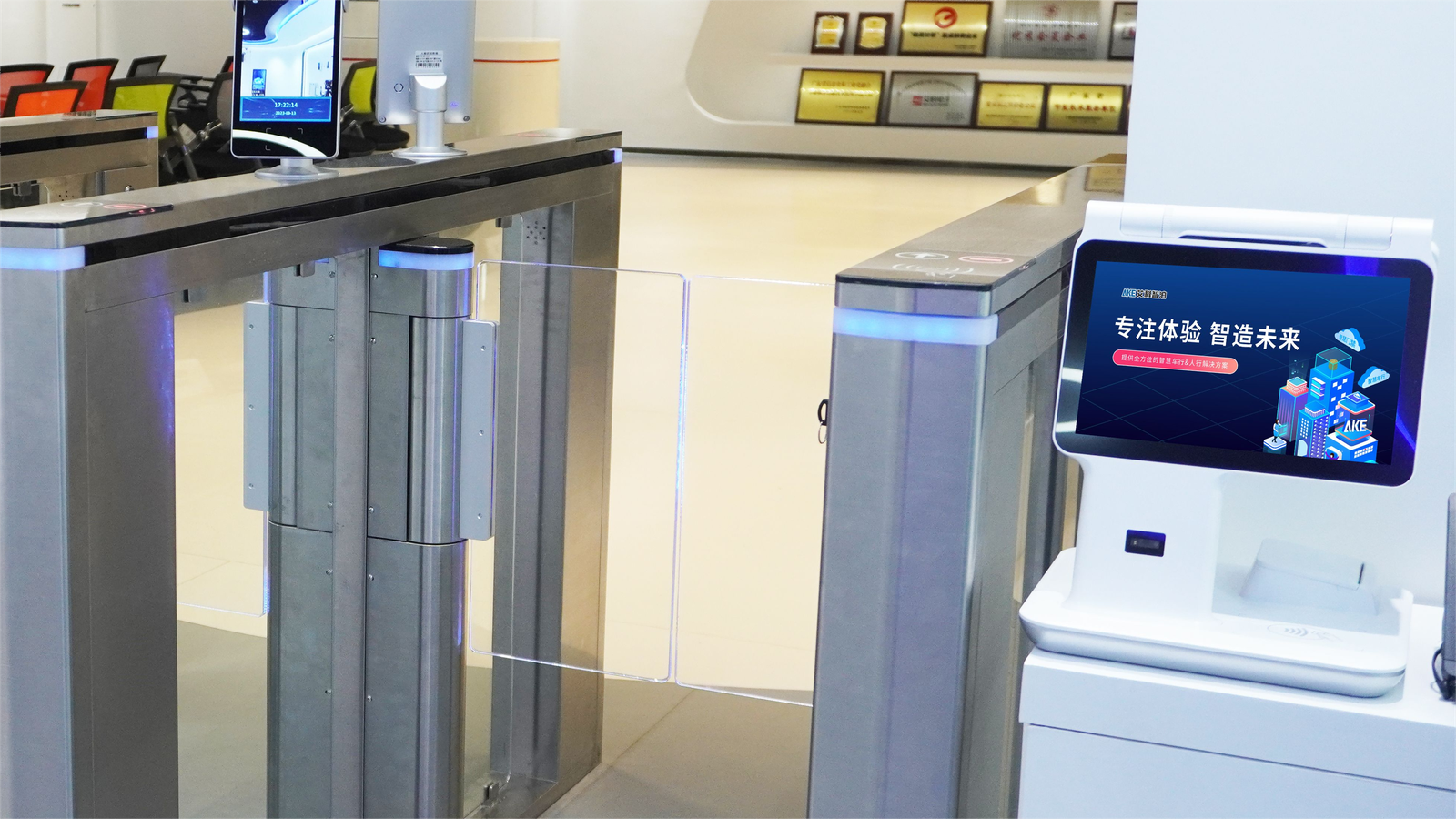
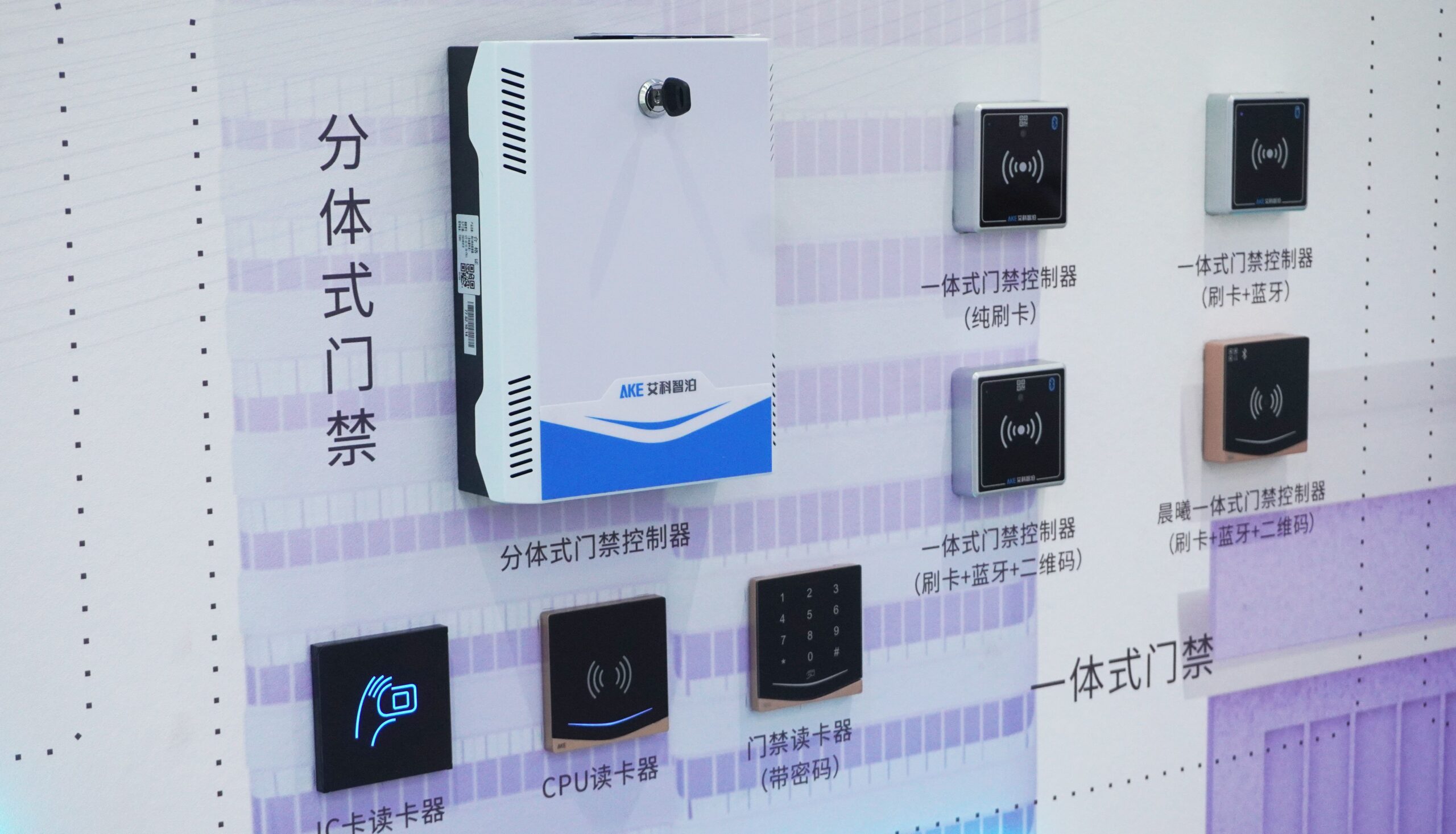
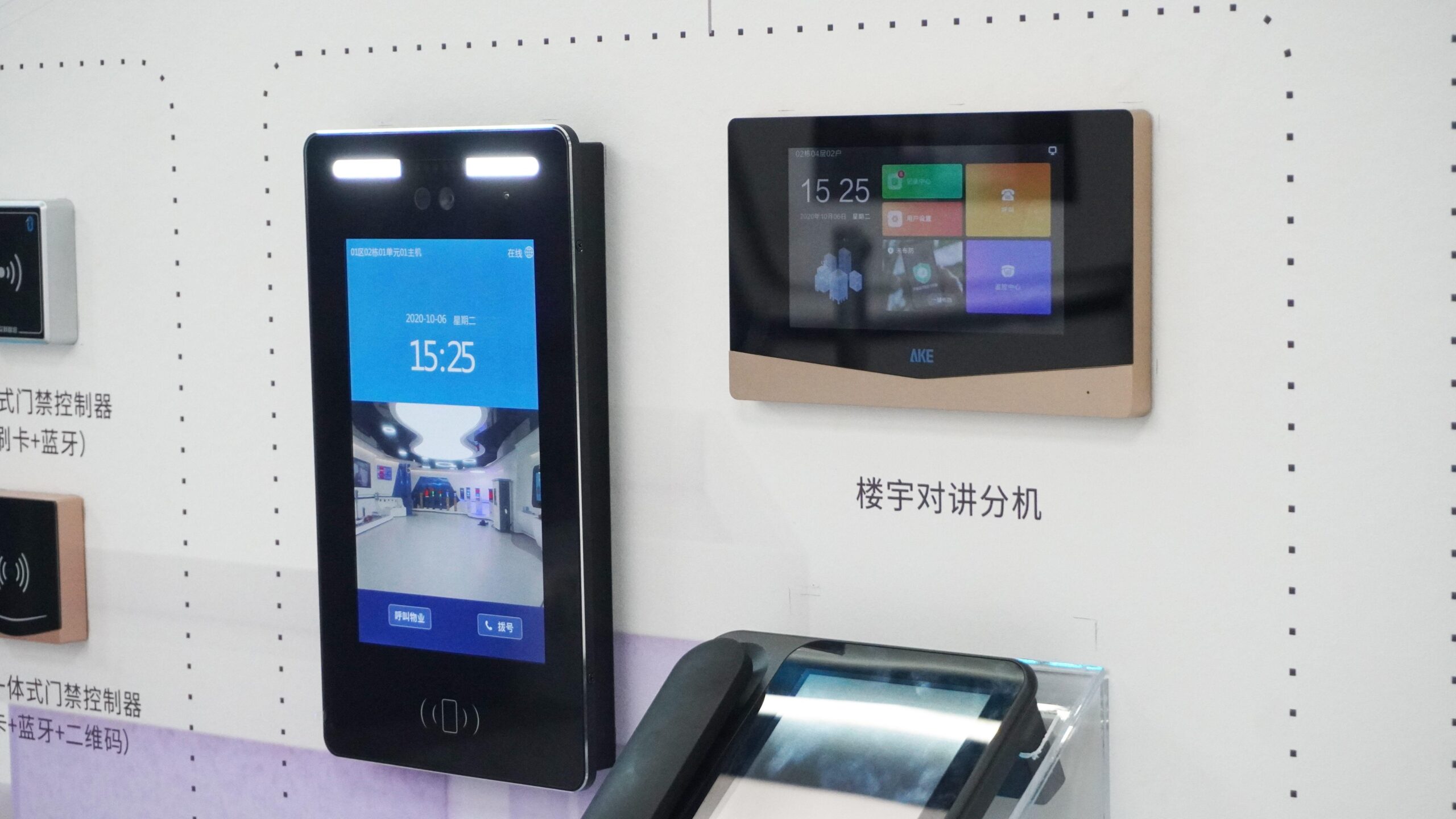
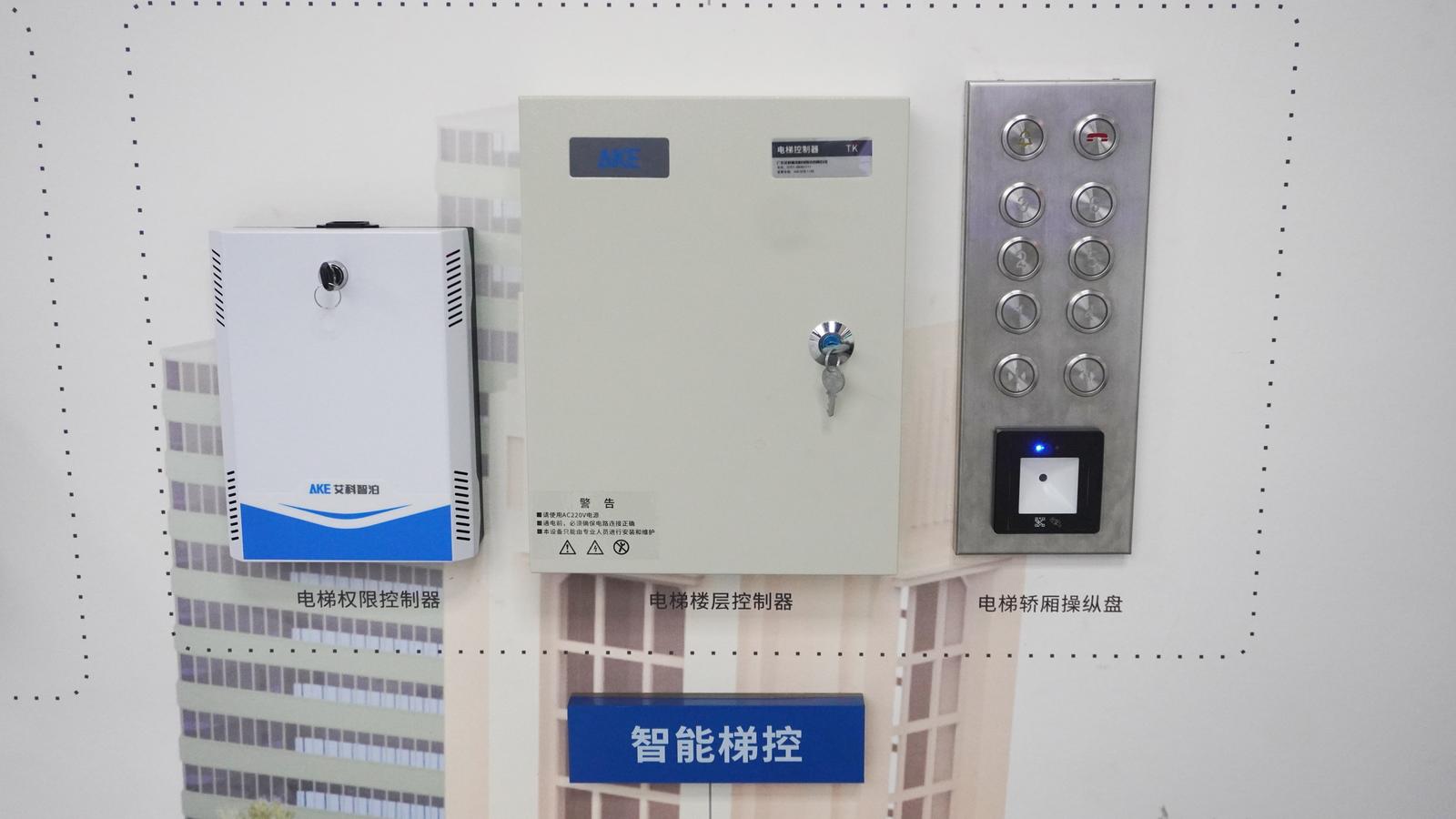
Buyers can explore the broader Pedestrian Turnstiles and RFID Access Control Systems portfolios when defining the most appropriate credential and passage combination.
What Should a Buyer Evaluate During a Showroom Visit?
A useful visit should produce decisions, not just product impressions. Bring a preliminary site plan and evaluate the following:
- Workflow coverage: Map vehicle, pedestrian, visitor, staff, and operator journeys from entry to exit.
- Hardware fit: Compare installation space, environmental exposure, user reach, screen visibility, and maintenance access.
- Identification methods: Define which users rely on license plates, cards, facial credentials, QR codes, intercom assistance, or other approved methods.
- Software interaction: Confirm which events, permissions, payments, alarms, and operating states need to appear in the management layer.
- Integration boundaries: Identify required interfaces with third-party systems, networks, databases, or building infrastructure.
- Exception handling: Ask how the proposed workflow should respond to unreadable credentials, unavailable devices, lost connectivity, or operator overrides.
These questions turn a product tour into a structured project workshop.
From Showroom Insight to Project Design
The strongest value of an integrated showroom is context. It helps stakeholders see how a barrier affects the driver journey, how a sensor affects guidance data, how a visitor credential affects physical access, and where software must coordinate the overall operation.
In short, AKE’s smart parking solutions showroom is a starting point for solution design—not a substitute for engineering. The next step is to document site conditions, operating rules, interfaces, and acceptance criteria, then use those requirements to configure the right combination of parking and access technologies.
Explore AKE’s Smart Parking & Access Control Solutions or contact the AKE team to discuss a project-specific workflow.
Frequently Asked Questions
What does AKE’s smart parking solutions showroom demonstrate?
It demonstrates how parking entry equipment, parking guidance, curbside sensing, pedestrian access, identity devices, and management software can be evaluated as connected workflows. The exhibits combine physical products with simulated scenarios and interactive demonstrations.
What can buyers evaluate in the parking guidance system zone?
Buyers can examine the relationship between space detection, available-space updates, indoor guidance displays, reverse car finding, video detection, and EV charging operations. They can also identify layout, coverage, interface, and fallback requirements for a specific facility.
Does the showroom include both parking and building access technologies?
Yes. The showroom includes vehicle-entry products, indoor parking guidance, urban curbside devices, pedestrian access, facial recognition, visitor management, RFID access control, building intercom, and elevator control.
Can a showroom demonstration replace a site survey?
No. A demonstration helps stakeholders compare workflows and equipment, but final system design still requires verified site conditions, operational rules, integration requirements, and acceptance criteria.